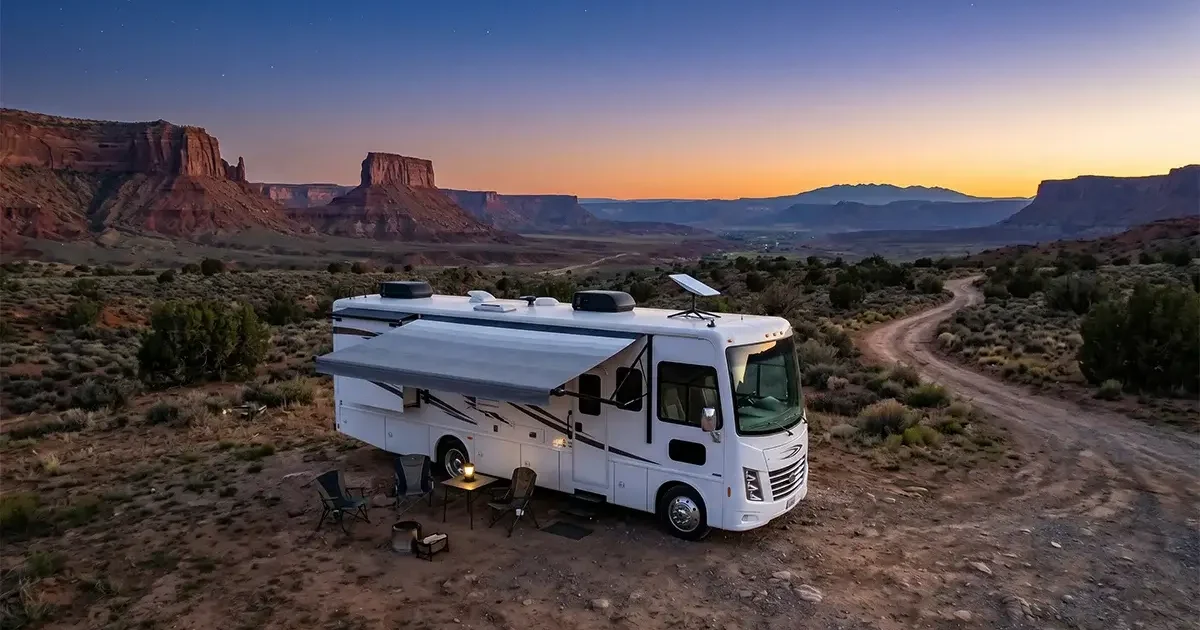
Living and working from an RV, traveling between rural properties, or simply wanting internet connectivity wherever your adventures take you across rural America — Starlink’s mobile service options have transformed what’s possible for travelers and off-grid enthusiasts. But the mobile Starlink experience differs significantly from residential Starlink in terms of cost, setup, performance, and practical limitations. This comprehensive review of Starlink’s mobile and RV internet options covers everything you need to know before signing up, from the different service plans available to real-world performance across the country, installation options for RVs, and how Starlink Roam compares to cellular alternatives for mobile users.
In This Guide
- Starlink Mobile Service Options Overview
- Starlink Roam vs Residential: Key Differences
- Pricing and Plans Compared
- Real-World Mobile Performance
- RV Installation Guide
- Starlink While In Motion: What Actually Works
- Starlink Roam vs Cellular Alternatives
- Pausing and Managing Service
- International Roaming
- Best Use Cases for Mobile Starlink
- FAQs
Starlink Mobile Service Options in 2026
Starlink offers several service tiers relevant to mobile and RV users, each with different pricing structures, performance characteristics, and use case suitability. Understanding the full menu of options is the essential first step before deciding which plan fits your lifestyle:
Starlink Residential (with portability enabled): Standard residential service ($120/month) includes a free Portability add-on that allows you to use your dish at any location within your home country. This is the most cost-effective option for users who have a primary home address and also want to use Starlink during road trips or extended stays at a second property. The dish must be stationary while in use — Portability does not enable use while driving.
Starlink Roam (Regional): Designed specifically for mobile use, Roam provides service anywhere within a continental region (e.g., all of North America) for $150/month. Unlike Residential Portability, Roam is intended for users without a fixed address who move frequently. Roam includes the ability to pause service for up to 12 months without losing your service term — useful for seasonal travelers.
Starlink Roam (Global): For international travelers who cross between service regions (North America, Europe, etc.), Global Roam at $200/month provides coverage wherever Starlink is authorized internationally. Most US-based RV users do not need Global Roam unless they plan to travel to Canada or Mexico.
Starlink In-Motion: An add-on available for Roam subscribers ($25–$50/month additional), In-Motion enables use of Starlink while actively driving or moving. This requires a specialized Flat High Performance dish (different, more expensive hardware — approximately $2,500) rated for vehicle mounting and movement. Standard residential dishes are explicitly not designed for in-motion use and will shut down if they detect significant movement.
Starlink Roam vs Residential with Portability: Key Differences
| Factor | Residential + Portability | Starlink Roam |
|---|---|---|
| Monthly Cost | $120 (Portability free) | $150 |
| Primary Use | Fixed home with occasional travel | Full-time mobile, no fixed address |
| Service Priority | Lower priority away from home address | Full mobile priority |
| Pause Service | Monthly cancel/restart required | Pause up to 12 months |
| Contract | None | None |
| In-Motion Add-On | Not available | Available (+$25–50/mo) |
| Coverage | Home country | Regional or Global options |
For most RV users and rural travelers, Residential service with Portability enabled is the better value — especially if you maintain a home address and travel seasonally. The $30/month price difference adds up to $360/year, and the Portability feature covers the same geographic area for most US-based travelers.
Full-time nomads with no fixed address, or users who want the service pause feature for extended periods without signal, benefit from the Roam plan’s flexibility.
Hardware and Total Cost of Ownership
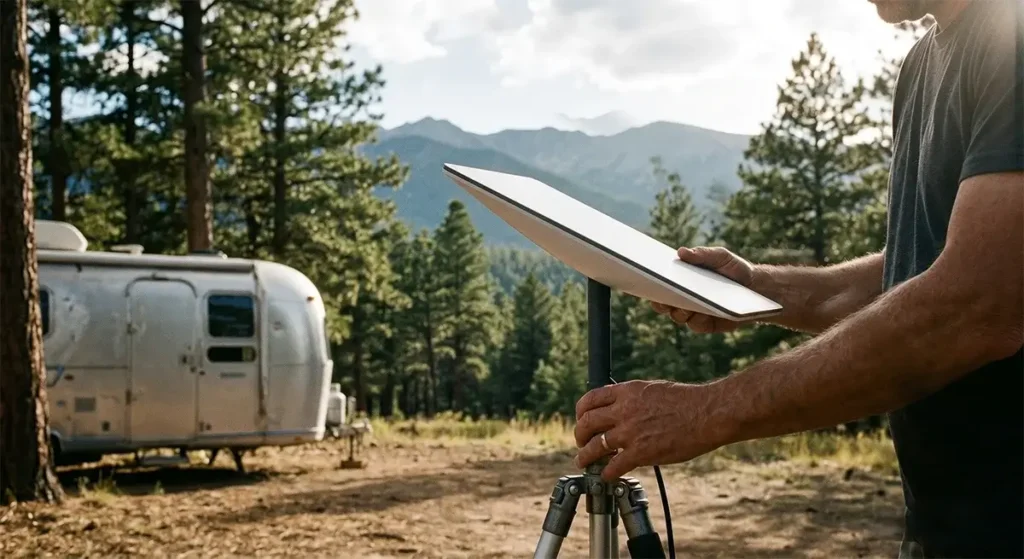
The standard Starlink Residential dish ($349) can be used with Portability for mobile applications. It is not rated for permanent outdoor mounting on a moving vehicle — it must be deployed on a surface and connected before use, and the dish should be stationary while operating.
For true mobile mounting on an RV roof, several solutions have emerged from the aftermarket community:
- Hinged or flip-up roof mounts: Manufacturers like AntennaMastsRus, Winegard, and TechnoRV make roof mount systems that allow the Starlink dish to lie flat against the RV roof during transit and pivot upright for use at a campsite. These cost $150–$400 and preserve the standard Gen 3 dish while enabling safer travel positioning.
- Permanent roof mounts with quick-release: Steel roof mounts that hold the dish in its operational position are favored by users who stay at campsites long-term. The dish is deployed manually when parked and removed or folded for transit.
- Flat High Performance dish for in-motion: At approximately $2,500 for the hardware plus the $25–50/month In-Motion add-on, this is the premium solution for users who need internet service while actively driving — live video streaming from the road, real-time navigation for commercial vehicles, or simply not wanting to stop to set up the dish at each destination.
Real-World Mobile Performance Across the US
Starlink Roam and Portability performance across the continental United States in 2026 is generally strong but varies meaningfully by geographic cell density and how many other users are sharing the same cell area. Performance observations from extended RV travel testing:
- Western rural states (Montana, Wyoming, Idaho, Nevada, Utah): Consistently excellent performance with few users per cell, often delivering 100–150 Mbps download speeds. Starlink has invested heavily in western US coverage due to high rural demand. Some remote canyon areas may have limited sky view from a campsite.
- Appalachian and Southeast rural areas: Generally good performance with some variation. Tree cover in forested campgrounds requires careful dish placement to clear the canopy. Mountain valleys with steep ridges can cause partial obstructions.
- Northeast: More variable performance due to higher user density per cell. Peak-hour speeds in popular camping areas and populated rural corridors may be lower than the western US experience.
- National Park campgrounds: Many popular National Park campgrounds have become Starlink hotspots, with dozens or hundreds of users in a single cell area during peak season. Performance during July–August at popular parks like Yellowstone, Grand Teton, and Glacier can be significantly below typical rural speeds due to cell congestion.
- Very remote areas (National Forest dispersed camping, BLM land): Excellent performance — often the best Starlink experience available, with minimal shared cell capacity and vast, unobstructed sky views.
The FCC Measuring Broadband America reports note that Starlink mobile service delivers consistent performance meeting broadband definitions (100/20 Mbps) in the majority of test locations, though rural isolated areas occasionally show lower speeds during periods of atmospheric interference or heavy satellite handoff loads.
RV Installation Walkthrough
Setting up Starlink for RV use requires a few specific considerations beyond the standard residential installation:
Power supply: The Starlink Gen 3 dish and router draw approximately 50–75 watts during normal operation and up to 100 watts during peak processing. For RV installations with solar and battery systems, this is a meaningful power draw. On a 200Ah lithium battery bank with 400W of solar, Starlink consumes roughly 1.2–1.8 kWh per day of continuous use — manageable for most properly sized solar RV setups.
Cable management: The Starlink cable is proprietary and relatively short (75 feet standard). For RV installations where the dish mounts outside and the router is inside, the cable typically routes through a roof vent, an existing cable entry gland, or a purpose-built cable entry plate. Never pinch or kink the Starlink cable — it cannot be field-repaired.
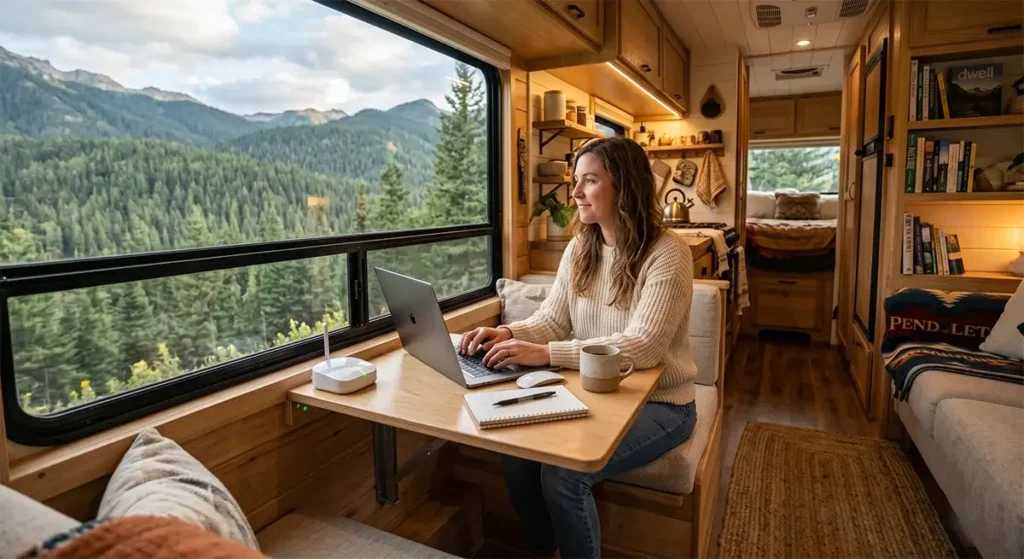
Wi-Fi coverage inside the RV: The Starlink Wi-Fi router works adequately in most RVs. Larger Class A motorhomes and fifth wheels may benefit from a Wi-Fi access point at the far end of the vehicle for consistent rear-area coverage. A simple Ethernet run from the Starlink router to a secondary access point solves this neatly.
Obstruction management: RV campgrounds often have trees. Before setting up for the night, use the Starlink app’s augmented reality sky scanner to identify the best location to set the dish — ideally in the most open sky spot available at the campsite. A telescoping mast (10–15 feet) can help clear low branches.
Using Starlink While in Motion: The Reality
Standard Starlink residential dishes (Gen 3 flat panel) are designed to be stationary. Starlink’s terms of service prohibit use while in motion with the standard dish, and the dish’s firmware will shut down service if it detects significant motion or vibration. Soft bumps and minor vibration at a stationary location do not typically trigger this shutdown, but driving with the dish mounted on the roof will.
For true in-motion use, the Starlink Flat High Performance dish is the engineered solution. This dish is designed for marine, aviation, and vehicle mounting, with ruggedized hardware and firmware optimized for motion. At $2,500 in hardware cost plus $25–50/month for the In-Motion add-on, it is a significant investment primarily justified for commercial applications (trucking, live video production, emergency services) or for full-time RV users who specifically need internet access while driving between destinations.
The practical workaround that most recreational RV users employ: stop the vehicle, deploy the standard dish, wait 2–5 minutes for satellite acquisition, use the internet, then disconnect and stow the dish before continuing travel. The Gen 3 dish’s rapid satellite acquisition (typically 2–5 minutes) makes this a manageable workflow for campsite-to-campsite travel.
Starlink Roam vs Cellular Alternatives for RV Users
| Solution | Monthly Cost | Speeds | Coverage Gaps | In-Motion | Setup Required |
|---|---|---|---|---|---|
| Starlink Roam | $150 | 50–150 Mbps | Minimal (sky view only) | Add-on required | 5–10 min setup |
| T-Mobile RV (hotspot) | $50–$80 | 10–100 Mbps | Significant in remote areas | Yes (native) | None |
| Verizon Hotspot | $65–$90 | 5–80 Mbps | Less than T-Mobile rural | Yes (native) | None |
| Multi-carrier solution (2–3 carriers) | $100–$160 | Variable | Minimal (combined) | Yes | None |
The optimal strategy for serious RV travelers in 2026 is often a combination approach: Starlink Roam for the home base or stationary overnight camping experience (superior speeds, no cellular coverage dependency), plus a T-Mobile or Verizon cellular hotspot for use while driving between destinations and in areas with marginal Starlink sky access. This combination covers virtually all connectivity scenarios at a combined cost of $200–$230/month — higher than either alone but providing comprehensive coverage regardless of location, sky access, or travel status.
Managing Starlink Service for Seasonal RV Use
One of Starlink Roam’s most valuable features for seasonal RV users is the ability to pause service for up to 12 months without losing your service term or hardware configuration. If you RV seasonally (spring through fall) and return to a fixed home in winter — or if you take an extended break from traveling — you can pause Roam billing during that period and reactivate it when you’re ready to hit the road again.
For Residential subscribers using Portability, the equivalent option is to cancel service and reactivate when needed, as Residential accounts cannot be paused in the same way. The $349 hardware is yours to keep regardless of service status, and reactivation typically restores service within minutes.
Frequently Asked Questions
Can I use my regular Starlink dish on my RV?
Yes, with caveats. The standard Gen 3 residential dish can be used at campsites with Portability or Roam service. It must be stationary while operating — it cannot be used while the RV is in motion without the Flat High Performance dish and In-Motion add-on. Many RV users use aftermarket hinged roof mounts to securely transport the dish and deploy it manually at each destination.
Does Starlink work in National Parks?
Yes, Starlink works in most National Park areas. Performance during peak season in popular parks can be slower than typical rural speeds due to many users sharing the same coverage cell. During off-peak seasons and at less-visited parks, performance is often excellent. Remote dispersed camping areas in National Forests and BLM land typically offer the best Starlink RV performance of any camping destination.
What is the best Starlink setup for a full-time RV liveaboard?
For full-time liveaboards, the recommended setup is Starlink Roam ($150/month) with a quality hinged or quick-deploy roof mount for the standard Gen 3 dish, a 12V DC power supply adapter (to run from battery without an inverter), and a small Wi-Fi mesh node inside the RV if the coach is longer than 35 feet. Add a T-Mobile or Verizon cellular hotspot for in-transit connectivity and you have a comprehensive full-time mobile internet solution. See Starlink’s official Roam page for current plan details and coverage maps.
How much power does Starlink use on a solar RV setup?
The Starlink Gen 3 dish and router draw 50–75W during normal operation. In a 24-hour period of continuous use, this is approximately 1.2–1.8 kWh. A typical well-designed solar RV system with 400W of panels and 200Ah of lithium storage can comfortably power Starlink alongside normal RV loads in most weather conditions. For battery-only nights without solar input, Starlink’s power draw should be accounted for in your daily energy budget.



Leave a Reply