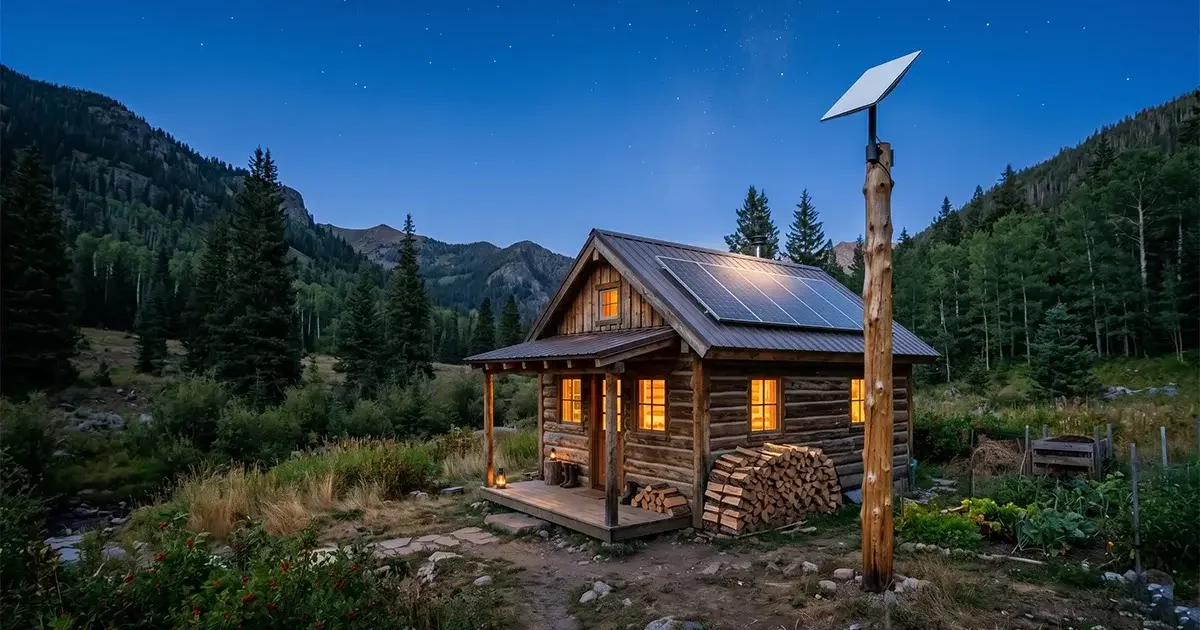
Living off the grid doesn’t mean living without internet in 2026. Whether your off-grid property relies on solar panels, a generator, or wind power, the same revolution in rural connectivity that has transformed remote homesteads, farms, and rural communities has made reliable broadband a realistic possibility for off-grid living. This comprehensive guide covers every aspect of getting and maintaining internet access at an off-grid property — from selecting the right internet technology for your power setup, to managing power consumption, to building a resilient connectivity system that keeps you connected even during adverse conditions.
In This Guide
- Defining Off-Grid Internet Needs
- Best Internet Technologies for Off-Grid Properties
- Power Requirements and Solar Compatibility
- Starlink for Off-Grid: Complete Setup Guide
- Cellular Solutions for Off-Grid Properties
- Building a Power-Efficient Off-Grid Internet Setup
- Emergency Communication Backups
- The Minimalist Off-Grid Internet Approach
- FAQs
Defining Off-Grid Internet Needs
Off-grid properties present a unique combination of internet challenges and constraints not found at grid-connected rural homes. The key differences that shape every decision:
Limited power supply: An off-grid property running on a 400W solar array and 100Ah lead-acid battery bank has very different power budget constraints than a property with unlimited grid power. Every internet component — dish, router, modem, cellular gateway — must be evaluated for power consumption and its impact on the battery state of charge, especially through overcast weather periods or during winter when solar generation is reduced.
Physical remoteness: Off-grid properties are typically more physically remote than grid-connected rural homes. This increases the likelihood of minimal cellular signal and may push the property into Starlink coverage cells with fewer competing users — often resulting in better Starlink performance than denser rural areas.
Infrastructure limitations: Long cable runs from dish to living space, inability to easily run power to remote antenna locations, and the requirement for all equipment to function reliably without a technician visit for weeks or months at a time all shape which solutions are practical.
Variable usage patterns: Many off-grid properties are used seasonally or intermittently. The ideal internet setup for an off-grid cabin used two weekends per month is different from a permanent full-time off-grid homestead. Service pausability and startup time are relevant considerations.
Best Internet Technologies for Off-Grid Properties
1. Starlink — Best Performance, Manageable Power Draw
Starlink is the most transformative technology for off-grid internet because it eliminates the cellular coverage dependency that limits every other option. Any property with a clear sky view — regardless of how remote — can access Starlink’s 50–120 Mbps service. The power draw of 50–75W during normal operation is significant but manageable with a properly sized solar and battery system. Full details on off-grid Starlink setup below.
2. Cellular Hotspot + Signal Booster — Lowest Power Consumption
A boosted cellular hotspot setup draws only 5–15 watts total — a fraction of Starlink’s consumption. For off-grid properties with cellular signal available, this is the most power-efficient option and the best choice for energy-constrained setups (under 200W solar). Performance is dependent on signal quality and carrier coverage.
3. Fixed Wireless — Excellent When Available
If a fixed wireless WISP tower is within range, a fixed wireless connection is low latency and often uncapped. The outdoor CPE unit typically draws 8–15W, and most WISP installations use PoE (Power over Ethernet), making power supply straightforward. The challenge for off-grid properties is that WISPs are less likely to have coverage in the most remote areas.
4. HughesNet/Viasat — High Latency, High Power
Legacy geostationary satellite dishes draw 30–60W continuously and deliver the poor latency (600–800ms) that makes video calls and real-time applications frustrating. For off-grid properties where Starlink sky view is blocked, HughesNet or Viasat is a last resort that provides basic connectivity at a meaningful power cost.
Power Requirements: What Your Internet Setup Actually Draws
| Component | Idle Power Draw | Peak Power Draw | Daily Use (12hr) kWh |
|---|---|---|---|
| Starlink Gen 3 Dish + Router | ~50W | ~100W | 0.75 kWh |
| Third-party mesh router (Eero Pro 6E node) | ~8W | ~15W | 0.12 kWh |
| Cellular gateway (T-Mobile, 4G) | ~10W | ~18W | 0.15 kWh |
| Cellular hotspot device | ~3W | ~7W | 0.05 kWh |
| Fixed wireless CPE outdoor unit | ~10W | ~15W | 0.15 kWh |
| HughesNet modem + dish | ~40W | ~60W | 0.60 kWh |
For context: a modest off-grid solar system with 400W of panels and 200Ah of lithium iron phosphate (LiFePO4) battery storage generates approximately 1.6–2.0 kWh per day under good solar conditions. Running Starlink at 0.75 kWh/day represents roughly 40–50% of a small system’s daily energy budget — leaving the remainder for lighting, phone charging, a laptop, and other essentials. For properties with larger solar arrays (800–1500W) and battery banks (400+ Ah), Starlink is easily accommodated alongside full household energy needs.
For extremely power-constrained off-grid setups (small systems, cloudy climates), the cellular hotspot at 0.05 kWh/day is dramatically more efficient than any satellite option and is the recommended starting point for energy-sensitive deployments.
Starlink for Off-Grid Properties: Complete Setup Guide
Power supply options for off-grid Starlink:
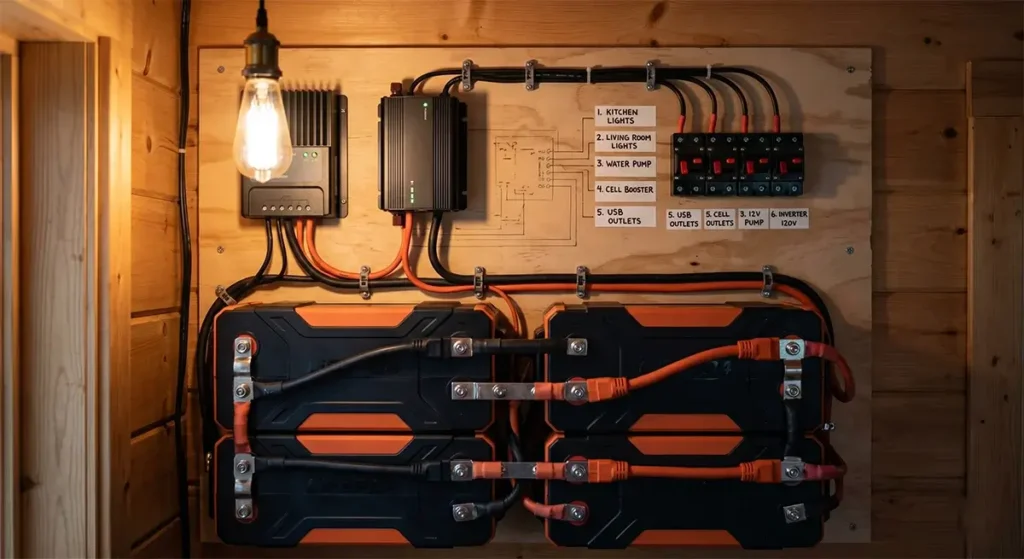
The Starlink Gen 3 dish and router run on 100–240V AC power from the included wall adapter. For off-grid solar systems, this means connecting through an inverter. However, running an inverter continuously just for Starlink is inefficient — a 600W inverter draws 20–40W in idle overhead just to run. Better options:
- 12V DC direct power adapter: Third-party 12V DC power adapters for Starlink (available from vendors like Tycon Power and DIY online communities) eliminate the inverter conversion loss and power Starlink directly from your 12V battery bank. This reduces the effective power draw by 15–25% compared to running through an inverter.
- Small dedicated inverter: A 150–300W pure sine wave micro-inverter dedicated to Starlink avoids the overhead of a large whole-house inverter running continuously for a single device.
- Power scheduling: Consider whether you need Starlink running 24/7 or only during your active hours. Using a smart plug or timer to power Starlink only during your active 8–12 hours per day reduces its daily energy consumption by half.
Installation on off-grid structures:
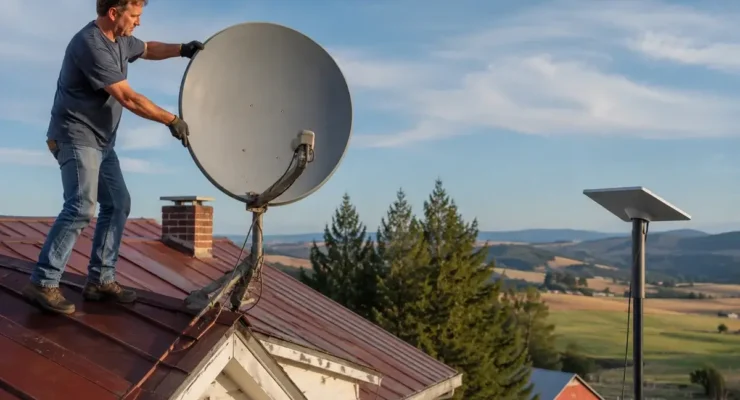
Cable runs for off-grid Starlink often need to be longer than standard residential installations — from a clearing with sky access to a cabin or structure some distance away. The Starlink cable can be extended with Starlink’s official 150-foot extension cable ($30). For longer runs, the signal can be converted to standard Ethernet via a Starlink Ethernet adapter and then run indefinitely via outdoor-rated Cat6 cable from the dish to the router location.
Off-grid network design:
For off-grid properties, a simple network design that minimizes power consumption is the goal. Replace the Starlink router with a power-efficient third-party router (the Eero 6 or GL.iNet AXT1800 draws only 6–10W vs the Starlink router’s 25W). This alone saves 15W continuously — meaningful on an off-grid energy budget.
Cellular Solutions for Off-Grid Properties
For off-grid properties with any usable cellular signal, a signal booster plus cellular data plan is the most power-efficient internet solution available. A complete setup consists of:
- Outdoor Yagi antenna on a mast at the highest available point, aimed at the nearest carrier tower. A passive Yagi antenna draws zero power — it simply focuses the electromagnetic energy already present in the environment.
- Signal booster amplifier (5–10W power draw) connected to the outdoor antenna and an indoor antenna or directly to a cellular router via an antenna cable.
- Cellular router or hotspot device (3–15W) providing Wi-Fi to devices in the structure.
Total system power draw: approximately 8–25W depending on booster and router models — a fraction of Starlink’s requirement. This is ideal for very small solar systems or for minimizing internet-related battery drain during extended cloudy periods.
For off-grid properties with absolutely no cellular signal — more common than most people expect in deeply remote areas — a cellular solution is not viable and Starlink becomes the primary option.
Building a Power-Efficient Off-Grid Internet System
The most resilient off-grid internet setup for full-time habitation combines primary and backup connectivity with smart power management:
Primary system (for adequate solar):
- Starlink dish on a tall mast in the clearest available sky area
- 12V DC Starlink power adapter connected directly to battery bus
- GL.iNet Flint 2 or Eero 6 router (low power Wi-Fi) connected via Ethernet in Bypass Mode
- Smart plug with power monitoring on the Starlink system for scheduling and usage tracking
Backup system (cellular where available):
- Yagi outdoor antenna on the same mast as the Starlink dish (using a separate coax run)
- weBoost Drive Reach OTR amplifier (12W, 72 dB gain) — designed for DC power
- Verizon or AT&T cellular hotspot device on a separate data plan ($40–50/month)
- Multi-WAN router (Pepwave Surf SOHO) for automatic failover between Starlink and cellular
This setup provides broadband internet through Starlink during normal conditions and automatically fails over to cellular if Starlink goes down for any reason, with total power consumption under 80W when both systems are active.

Emergency Communication Backups
For off-grid properties in genuinely remote areas, a backup communication system independent of internet infrastructure provides critical safety coverage. Options include:
- Garmin inReach devices ($350–$700 + $25–$65/month): Two-way satellite text messaging and SOS capability from any location globally using the Iridium satellite network. Battery-powered; no solar required. Essential for off-grid properties in areas where emergency response times are long.
- SPOT communicators ($150–$200 + $12–$30/month): Similar to Garmin inReach at lower cost and with somewhat fewer features. Provides tracking, check-in messaging, and SOS for remote properties.
- Iridium satellite phone ($900–$1,500): Full voice calling from anywhere on Earth. For properties where occasional voice communication is essential and cellular cannot be boosted to a usable level.
- Ham radio: Amateur radio licenses (readily obtainable) provide emergency communication capability with no recurring monthly fees. HF radio can reach thousands of miles; VHF/UHF repeater networks cover most rural areas. Many off-grid communities maintain amateur radio as a primary emergency communication tool entirely independent of commercial infrastructure.
For more information on off-grid communication options, the American Radio Relay League (ARRL) is an excellent resource for amateur radio emergency communication, and Garmin’s website has current inReach plan pricing and coverage details.
Frequently Asked Questions
Can Starlink run on solar power at an off-grid cabin?
Yes, with adequate solar and battery sizing. Starlink draws approximately 50–75W during normal operation. A 400W solar array with 200Ah of lithium battery storage can comfortably run Starlink alongside basic cabin loads (LED lighting, phone charging, laptop) under good solar conditions. For cloudy climates or winter-heavy locations, a larger system (600–800W solar, 300+ Ah lithium) provides better resilience during extended low-solar periods.
What is the most power-efficient internet option for a tiny off-grid solar system?
A boosted cellular hotspot setup (Yagi antenna + booster + hotspot device) at 8–20W total draw is by far the most power-efficient internet option for energy-constrained off-grid setups. If cellular signal is available at your location, this approach uses roughly one-quarter of the power that Starlink requires while delivering usable speeds for everyday internet tasks.
How do I maintain my Starlink dish at an off-grid property?
Starlink dishes require minimal maintenance. The main tasks: clear the dish of snow and ice accumulation during winter (the built-in heater handles light snow but may need assistance during heavy accumulation), clear any branches or vegetation that grows into the sky view over time, and inspect the cable connection annually for weather damage. The dish is designed for outdoor installation and requires no firmware or software updates beyond what it downloads automatically when connected.
Can I get internet at a remote off-grid property in a National Forest?
Starlink is available and legal to use on private property within National Forest boundaries. Land ownership and any applicable use permits govern whether a Starlink installation is permitted at a specific location — check with your local Forest Service ranger district for guidance on antenna installation on inholding properties. Starlink’s portable/roam options provide a ground-mounted temporary setup option that doesn’t require permanent installation permits in most contexts.



Leave a Reply