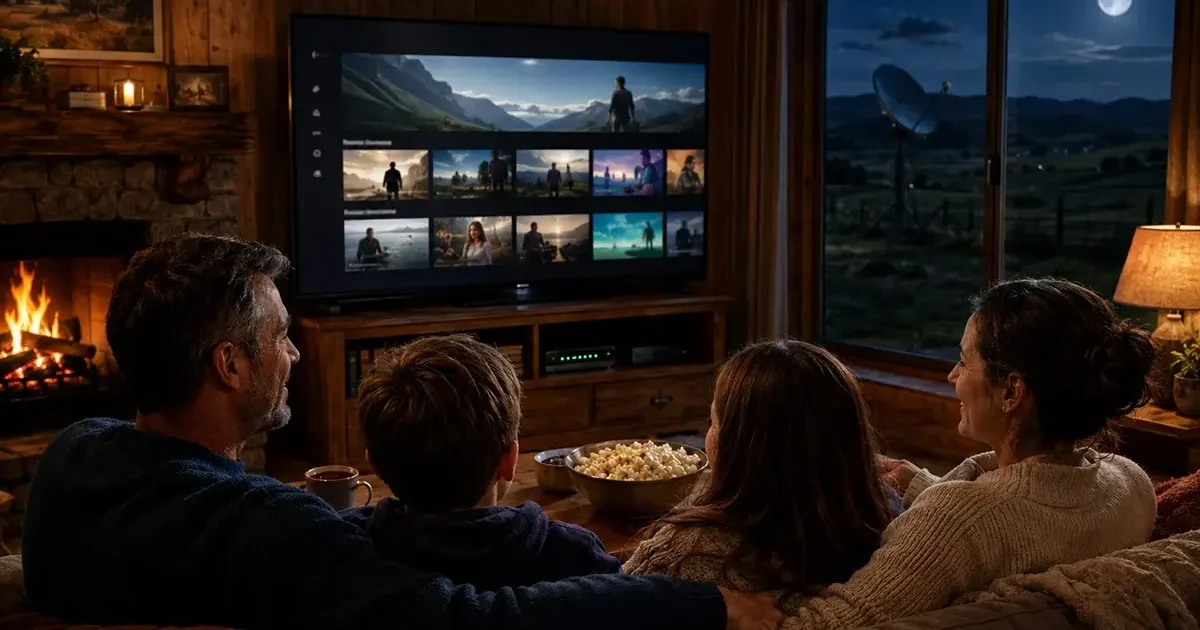
Cutting the cable TV cord is one of the most popular financial decisions rural Americans are making in 2026 — and for many rural households, the arrival of Starlink or another adequate broadband connection has finally made cord-cutting viable for the first time. But streaming TV on rural internet has specific requirements that differ from urban broadband situations, and choosing the wrong combination of streaming service, internet plan, and hardware can result in a frustrating experience that sends you back to the satellite dish. This comprehensive guide covers exactly how to cut the cord successfully on rural internet in 2026 — which streaming services work best, how much bandwidth different services require, how to manage your data cap while streaming, the best hardware for rural streaming setups, and how to handle the one thing rural cord-cutters miss most: live local TV.
In This Guide
- Can You Stream TV on Rural Internet?
- Streaming Bandwidth Requirements
- Best Streaming Services for Rural Internet
- Getting Live Local TV in Rural Areas
- Data Management for Rural Cord-Cutters
- Best Streaming Hardware for Rural Homes
- Keeping Your Satellite Dish for OTA Channels
- Cost Comparison: Cable vs Cord-Cutting Rural
- Complete Rural Cord-Cutting Setup Guide
- Frequently Asked Questions
Can You Stream TV on Rural Internet in 2026?
Yes — emphatically yes, on any of the low-latency rural broadband options available in 2026. Starlink, T-Mobile Home Internet, Verizon Home Internet, local fixed wireless, and electric cooperative fiber all deliver the bandwidth and performance needed for excellent streaming. The key differentiator is data caps and monthly data allocation — rural streaming households need to understand their data consumption and select plans accordingly.
What you cannot stream effectively on is geostationary satellite (HughesNet or Viasat) — not because the download speed is too low, but because the 15–200 GB monthly data caps are exhausted rapidly by household streaming consumption. A family that watches 4 hours of streaming per evening consumes approximately 60–120 GB per month in streaming data alone — exceeding HughesNet’s 15–30 GB plans in the first week and completely consuming the 100 GB plan in 2–3 weeks. HughesNet also throttles streaming speeds during congested periods, reducing video quality to buffering SD even during the priority data window. For cord-cutting, HughesNet and Viasat remain fundamentally inadequate.
Streaming Bandwidth Requirements
| Video Quality | Netflix | Hulu | Disney+ | YouTube | Data Per Hour |
|---|---|---|---|---|---|
| Standard Definition (480p) | 1 Mbps | 1.5 Mbps | 1.5 Mbps | 1 Mbps | ~0.7 GB |
| High Definition (1080p) | 5 Mbps | 6 Mbps | 5 Mbps | 5 Mbps | ~3 GB |
| 4K Ultra HD | 15–25 Mbps | 16 Mbps | 25 Mbps | 20 Mbps | ~7–15 GB |
| 4K HDR (Dolby Vision) | 25 Mbps | N/A | 25 Mbps | 20 Mbps | ~10–20 GB |
For a rural household on Starlink Standard (1 TB/month priority data), managing streaming quality is the most important data conservation strategy. The difference between streaming at 4K and 1080p is 4–5x in data consumption per hour — using the same 1 TB monthly data allocation on 1080p streaming instead of 4K extends your priority data approximately 4x longer. For most rural TVs and viewing distances, 1080p is visually indistinguishable from 4K — the quality trade-off is imperceptible while the data savings are substantial.
Best Streaming Services for Rural Internet in 2026
Netflix ($7–$23/month) — Best Overall for Rural Streaming
Netflix is the gold standard for rural streaming quality management. Its adaptive bitrate technology automatically adjusts video quality based on your connection speed without requiring any user intervention — maintaining the best possible quality your connection supports without buffering. Netflix’s “Data Saver” mode can be enabled in account settings to cap streaming at approximately 1 GB per hour (roughly 720p quality), dramatically extending your monthly data budget. Netflix’s download feature for offline viewing is particularly valuable for rural users — download content during off-peak hours (using Bonus Zone on HughesNet, or during early morning when network load is lowest on Starlink) and watch offline during the day.
YouTube TV ($72.99/month) — Best Live TV Replacement
YouTube TV is the most comprehensive live TV streaming service for rural cord-cutters. 100+ channels including local broadcast networks (ABC, CBS, NBC, Fox, PBS where available), sports (ESPN, Fox Sports, NFL Network), news (CNN, Fox News, MSNBC), and entertainment. Unlimited cloud DVR with no storage limit. Three simultaneous streams. The $72.99/month price is high but typically less than rural cable or satellite TV packages. Requires 3 Mbps per stream for HD — well within any rural broadband option’s capability except geostationary satellite.
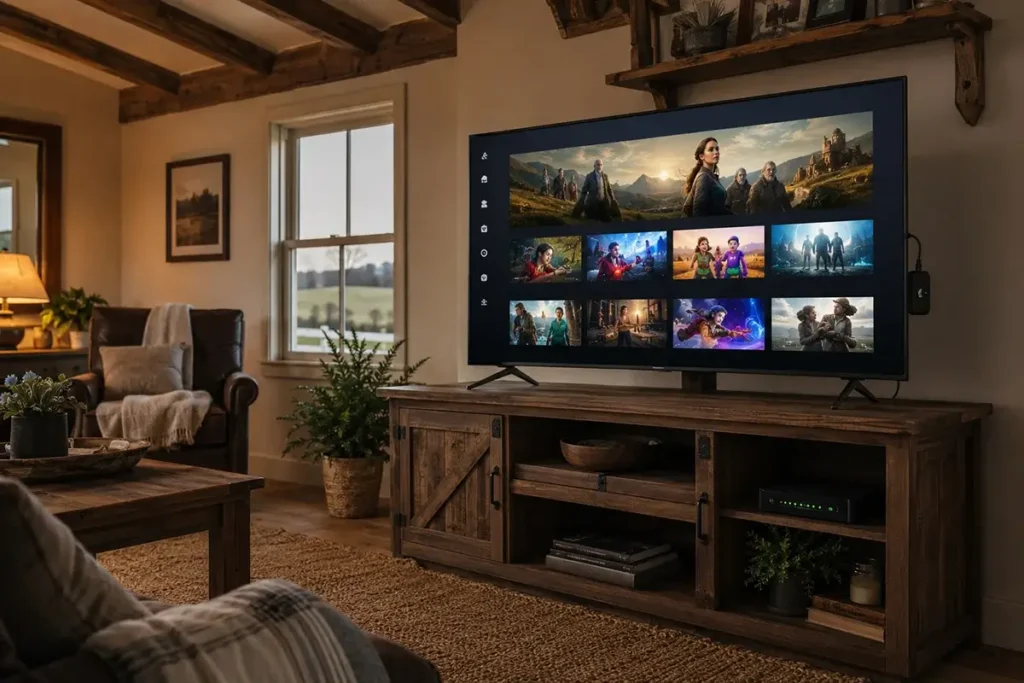
Hulu + Live TV ($82.99/month) — Best Sports and News Bundle
Hulu’s combined on-demand library plus live TV package is the most content-complete streaming option for rural households transitioning from cable. Includes ESPN+ and Disney+ at no additional charge. The price is higher than YouTube TV but the bundled value is significant for sports-watching rural households.
Disney+ ($8–$14/month) — Essential for Families
Disney+, Marvel, Pixar, Star Wars, and National Geographic content make this essential for rural families with children. Disney+’s data management features include adjustable video quality settings. The Disney Bundle ($16–$25/month) adding Hulu and ESPN+ provides exceptional value for rural households replacing cable’s content diversity.
Amazon Prime Video (included with Prime) — Best Value-Add
For rural households with Amazon Prime memberships (already paying for shipping benefits), Prime Video adds substantial streaming content at no additional cost. Prime Video’s download feature for offline viewing is among the most flexible in the industry — content downloaded during off-peak hours can be watched offline for up to 30 days.
Getting Live Local TV in Rural Areas Without Cable
The hardest part of rural cord-cutting is replacing live local TV — the local news, weather radar, and network TV that rural communities have relied on for generations. Several approaches address this challenge:
Option 1: Over-the-Air (OTA) antenna
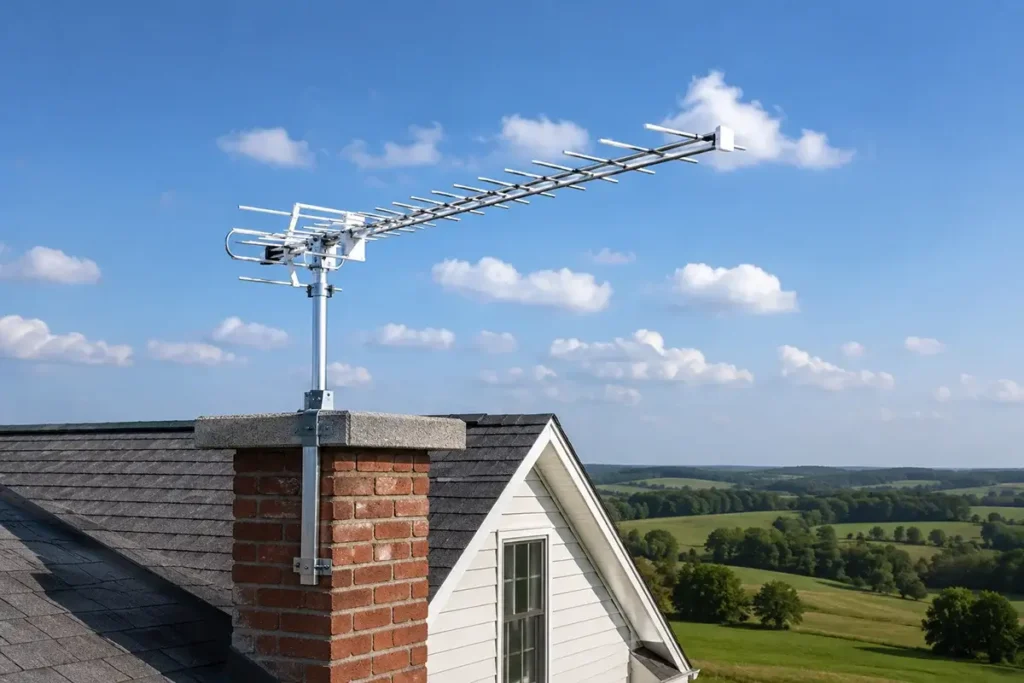
A rooftop TV antenna receives free over-the-air broadcasts from local network affiliates (ABC, CBS, NBC, Fox, PBS) at no ongoing cost. Rural areas often require a high-gain directional antenna — the Mohu Sky 60 ($80) or Winegard Platinum Series ($80–$120) can receive OTA signals at 50–70+ miles from broadcast towers in favorable terrain. Check antennaweb.org for signals available at your address and optimal antenna direction. Combined with a streaming service for cable content, OTA antenna provides local news and network programming at zero ongoing subscription cost.
Option 2: Live TV streaming services (YouTube TV, Hulu + Live TV, DirecTV Stream)
All major live TV streaming services include local network affiliates — but coverage of your specific rural market’s local channels varies by service and location. Verify that your local market’s specific ABC, CBS, NBC, and Fox affiliates are included before subscribing. YouTube TV’s channel availability check (tv.youtube.com/welcome) allows you to enter your address and see exactly which local channels are included at your location.
Option 3: Keep a basic Dish Network or DirecTV satellite TV package
For rural households that cannot receive adequate OTA signal and whose live TV needs aren’t met by streaming services, a basic Dish Network or DirecTV package at $50–$70/month for local channels plus a streaming service for on-demand content creates a hybrid approach that costs less than traditional full cable or satellite packages.
Data Management for Rural Cord-Cutters
Effective data management is the most important skill for rural cord-cutters on data-capped connections (primarily Starlink Standard’s 1 TB threshold). Strategies that work:
Set streaming quality manually to 1080p (not Auto or 4K): On Netflix, go to Account → Playback Settings → Data Usage → High (maximum 3 GB/hour). On Disney+, go to App Settings → Video Quality → Data Saver. This single change reduces streaming data consumption by 60–80% compared to 4K automatic settings while maintaining excellent picture quality on most rural TVs.
Use download features aggressively: Download shows and movies during Starlink’s early morning (2–6 AM) when network load is lowest and your priority data threshold is least likely to be approached. Downloads on Netflix, Disney+, and Prime Video play back without using internet data. A rural family that downloads their week’s entertainment during a Sunday night/Monday morning session uses the same content while consuming data only once rather than streaming in real-time every evening.
Track data usage weekly: The Starlink app shows real-time and historical data consumption. Checking weekly (rather than discovering a problem at month’s end) allows mid-month behavior adjustments before the priority threshold is reached. A household that has used 600 GB by the 20th of the month needs to either adjust quality settings or accept deprioritized speeds for the final 10 days.
Cost Comparison: Rural Cable vs Cord-Cutting
| Setup | Internet Cost | TV Cost | Monthly Total | Annual Cost |
|---|---|---|---|---|
| DirecTV satellite TV + HughesNet | $65/mo (HughesNet) | $85/mo (DirecTV base) | $150/mo | $1,800 |
| Starlink + Netflix + YouTube TV + Disney+ | $120/mo | $87/mo (YouTube TV + Disney+) | $207/mo | $2,484 |
| T-Mobile Home Internet + Netflix + OTA antenna | $50/mo | $16/mo (Netflix) + $80 one-time (antenna) | $66/mo + $80 setup | $872 |
| Starlink + Netflix + Disney+ + OTA antenna | $120/mo | $22/mo + $80 setup | $142/mo | $1,784 |
| Electric Coop Fiber + Full streaming bundle | $60/mo | $87/mo (YouTube TV + Disney+) | $147/mo | $1,764 |
The cost analysis reveals an important insight: cord-cutting is most financially compelling when T-Mobile Home Internet or cooperative fiber is available as your internet connection. Replacing DirecTV satellite TV ($85/month) with Netflix + OTA antenna ($16/month + one-time antenna purchase) while keeping Starlink as your internet saves approximately $70/month — but adding YouTube TV’s $72.99/month for live TV actually increases total monthly cost compared to the DirecTV + HughesNet combination that many rural households currently have.
The financial sweet spot for rural cord-cutting is: T-Mobile Home Internet ($50/month) + Netflix ($16/month) + OTA antenna (one-time $80) = $66/month total, saving over $1,000/year compared to the legacy satellite TV + satellite internet combination that many rural households currently pay for.
Frequently Asked Questions
Can I watch 4K content on Starlink?
Yes. Starlink’s 65–115 Mbps download speed comfortably supports 4K streaming (requires 15–25 Mbps). The consideration for Starlink Standard users is data consumption — 4K streaming at approximately 7–15 GB per hour consumes the 1 TB monthly priority data allocation in approximately 66–143 hours of 4K viewing. A family that watches 4 hours per evening at 4K would exhaust the 1 TB priority data in approximately 16–35 days depending on the specific service’s bitrate. Watching at 1080p instead of 4K reduces data consumption by 60–75% while maintaining excellent picture quality on most rural television screens.
Does YouTube TV work on Starlink?
Yes. YouTube TV and all major live TV streaming services work on Starlink. The 3–15 Mbps per stream required by live TV services is well within Starlink’s bandwidth. DVR cloud recording, simultaneous streaming on multiple devices, and all YouTube TV features function normally on Starlink’s connection. The only consideration is the same data management awareness as all streaming on Starlink — live TV streaming at HD quality consumes approximately 2–5 GB per hour per stream.
What is the best streaming device for a rural home on Starlink?
The Roku Ultra ($100) and Amazon Fire TV Stick 4K Max ($60) are the most recommended streaming devices for rural homes. Both support all major streaming services, 4K HDR output, and include remote controls with voice search. The Roku Ultra’s ethernet port allows wired connection to your router — recommended for rural homes where the main TV is far from the Wi-Fi router. According to streaming technology research, wired Ethernet streaming devices experience dramatically fewer buffering events than Wi-Fi connected devices in the same location — a meaningful advantage on rural satellite connections where every Mbps of available bandwidth is valuable.
Unique Rural Streaming Challenges
Rural cord-cutters face specific streaming challenges that urban subscribers don’t encounter, primarily around data caps and local channel availability. Understanding these challenges allows rural households to plan their cord-cutting strategy more realistically:
Local news and emergency alerts: Rural communities rely heavily on local TV stations for severe weather alerts — tornado warnings, flash flood watches, and winter storm notifications that are genuinely life-safety information in rural areas. When cord-cutting, ensure your local TV coverage plan includes your region’s specific stations. An OTA antenna is the most reliable backup for emergency weather alerts regardless of what streaming services you subscribe to — the broadcasts continue even when internet connectivity fails during severe weather events.
Sports blackouts in rural areas: Rural residents who are significant sports fans face the same sports blackout restrictions as urban subscribers — local sports broadcasts (NFL, MLB, NBA, NHL games played by teams in your regional market) are blacked out on most streaming services in the local market area and available only through the local affiliate’s OTA broadcast or a paid sports package. Understanding which sports matter to your household and how they’re available via streaming versus OTA versus a sports cable package is essential pre-cord-cutting research.
Internet outage during live events: A rural household that cuts the cord entirely is completely without TV service during any internet outage — whether from weather, equipment failure, or provider issues. An OTA antenna provides emergency over-the-air TV viewing independent of internet connectivity, ensuring continued access to local news and network programming even when your satellite or cellular internet connection is down. At $80–$120 for a quality OTA antenna, this is the most important piece of cord-cutting hardware for rural households in areas with receivable broadcast signals. Visit AntennaWeb to check which local broadcast channels are receivable at your rural address and what antenna type is recommended for your location’s signal environment.

Leave a Reply