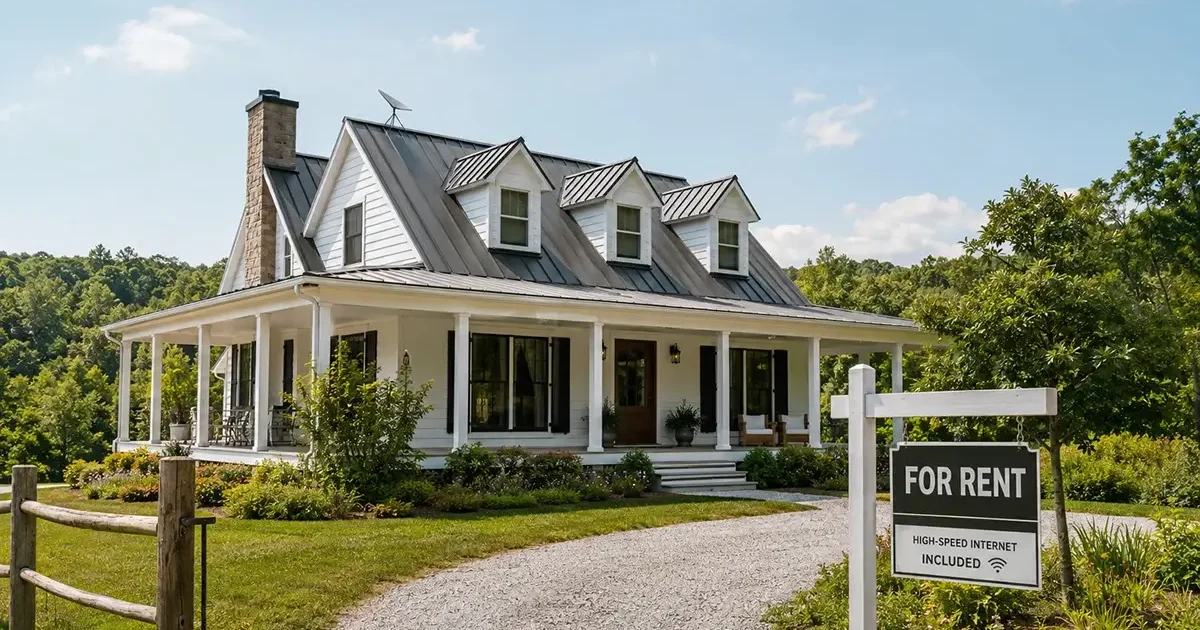
Rural property landlords face a growing challenge that urban landlords rarely encounter: tenants who need broadband for remote work, telehealth, online education, and daily modern life, but whose rental property has no viable internet service. In urban markets, tenants simply call a cable or fiber provider. In rural areas, the landlord’s decisions about property internet infrastructure often determine whether a property is rentable at all to the increasingly large segment of renters who require broadband connectivity. This comprehensive guide covers everything rural property landlords need to know about providing internet in 2026, from legal considerations to technical setup to how broadband affects rental rates and tenant quality.
In This Guide
- Why Rural Rental Broadband Matters More Than Ever
- Landlord Options for Providing Rural Internet
- Starlink for Rental Properties: Setup and Management
- Lease Agreement Considerations
- When Tenants Arrange Their Own Starlink
- Vacation Rental Internet (Airbnb / VRBO)
- ROI of Rural Internet Investment
- Legal and Tax Considerations
- Troubleshooting Rural Rental Internet Issues
- Frequently Asked Questions
Why Rural Rental Broadband Matters More Than Ever
The rural rental market has been transformed by remote work. In 2019, most rural rental tenants either didn’t need broadband for work (they worked locally) or accepted that rural rental living meant limited internet access. In 2026, a substantial and growing percentage of rural rental applicants are remote workers who need reliable internet as a non-negotiable requirement for their livelihood. A rural rental property without viable broadband access doesn’t just create an inconvenience — it is literally uninhabitable for large categories of potential tenants whose professional lives require connectivity to function.
The practical consequence: rural landlords who provide viable broadband can charge meaningfully higher rents, attract a broader and often more financially stable tenant base (remote workers with urban salaries choosing rural living for quality-of-life reasons), and maintain occupancy more reliably than comparable properties without internet. The investment in Starlink infrastructure for a rural rental property is a business investment with measurable returns, not merely an amenity upgrade.
Landlord Options for Providing Rural Internet
| Option | Landlord Cost | Tenant Experience | Best For | TOS Requirement |
|---|---|---|---|---|
| Landlord installs and pays for service (included in rent) | $349 hardware + $250/mo Priority | Simplest — no account management | Long-term rentals, vacation properties | Business/Priority plan required |
| Landlord installs hardware, tenant manages account | $349 hardware only | Tenant pays $120/mo Standard | Long-term rentals with stable tenants | Tenant uses Standard residential TOS |
| Tenant installs their own Starlink entirely | $0 | Full control, takes dish at move-out | Properties where landlord prefers no involvement | Tenant’s own Standard or Roam TOS |
Setting Up Starlink for a Rental Property
Landlord-managed Starlink setups for rental properties have specific configuration recommendations that differ from owner-occupied installations:
Use Starlink Business/Priority plan: Starlink’s residential Terms of Service prohibit providing internet access to others as a service. When you install Starlink at a rental property and include internet in the rent, you are technically providing internet service — requiring the commercial Business/Priority plan at $250/month. This must be factored into your rental pricing. The tenant-managed account approach allows the tenant to use Standard plan ($120/month) for their own residential use, bypassing this requirement.
Remote management configuration: Configure your router (Eero Pro, Ubiquiti, or similar) for remote management so you can monitor connection status, reboot equipment, and troubleshoot basic issues without visiting the property. The Starlink app shows dish performance remotely regardless of your physical location. A cloud-managed router adds the ability to manage network settings from anywhere — essential for absentee landlords managing rural rental properties.
Simple tenant Wi-Fi setup: Configure the tenant’s Wi-Fi as a simple, clearly labeled network (e.g., “PropertyName_WiFi”) with a straightforward password. Avoid complex configurations requiring technical knowledge to operate. Change the Wi-Fi password between tenancies. Document the network name and password clearly in tenant move-in documentation alongside other utility information.
UPS on network equipment: Install a UPS on the router and any network equipment to prevent damage from the power fluctuations common in rural areas. A $120–$150 APC unit on the network equipment reduces tenant support calls and protects the hardware investment — a small cost relative to the hardware replacement and tenant frustration it prevents.
Lease Agreement Considerations
Any rural rental arrangement involving internet requires clear lease agreement language addressing:
- Whether internet is included in rent: If included, specify the service type (Starlink satellite internet), that service quality may vary due to weather and satellite network conditions, and that the landlord is not guaranteeing specific minimum speed or uptime. This manages tenant expectations appropriately for satellite internet’s characteristics.
- Maintenance responsibility: Specify who is responsible for troubleshooting if internet service fails. Document basic troubleshooting steps (router reboot, dish inspection) in tenant move-in materials. Specify when the landlord will be called (hardware failure) versus tenant’s own troubleshooting responsibility (router reboot, device Wi-Fi settings).
- Equipment ownership: Clearly specify that the Starlink dish, router, and associated hardware remain landlord’s property and must not be removed, relocated, or modified by the tenant without written permission. Include specific penalties for unauthorized equipment removal.
- Internet-related liability: The landlord is not responsible for content transmitted through the provided internet connection. Standard indemnification language protecting the landlord from liability for tenant internet activity is important when providing internet as a service.
Vacation Rental Internet (Airbnb / VRBO)
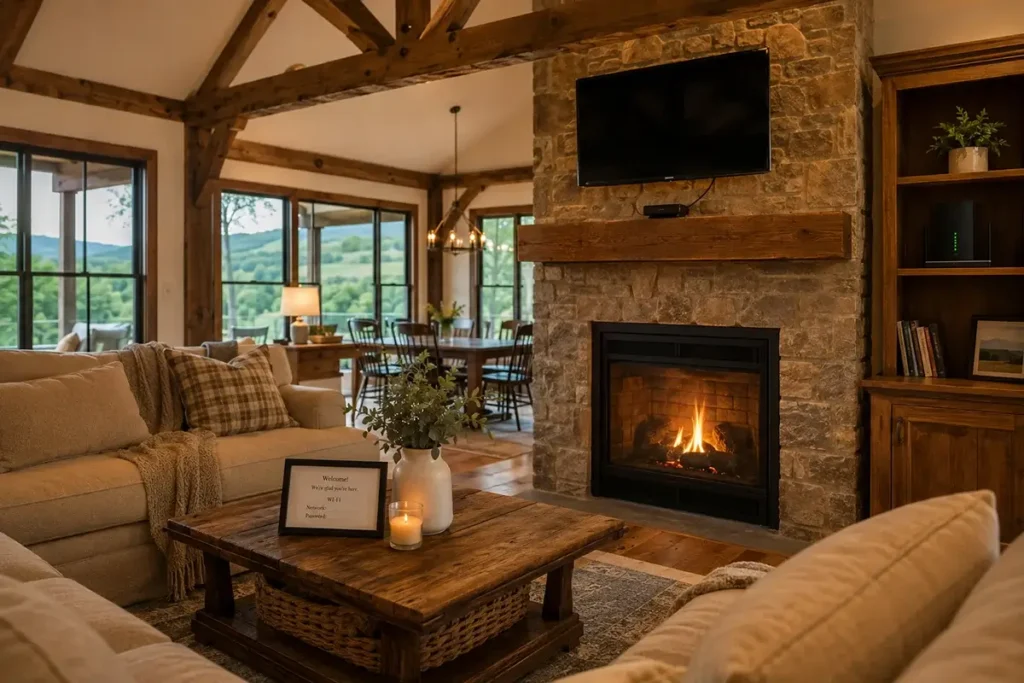
For rural vacation rentals, reliable Wi-Fi has moved from a nice-to-have to a listing requirement. Airbnb’s search filters allow guests to filter for properties with Wi-Fi, and rural properties without Wi-Fi are invisible to a large segment of the market. Guests frequently cite internet quality as a key factor in reviews that directly affect your property’s search visibility and booking rate.
Recommended vacation rental configuration: Starlink Business plan (commercial use appropriate when providing internet to paying guests), remote management router, bandwidth limiting to prevent any single guest from monopolizing the connection (a QoS rule of 25 Mbps per device is reasonable for most vacation rental contexts), and a simple guest Wi-Fi network with the password prominently displayed. Market your internet connection honestly — “high-speed satellite internet, typically 50–80 Mbps” is more trustworthy than “ultra-fast gigabit internet” that guests can disprove with their first speed test. Honest marketing manages expectations appropriately and generates more genuine satisfaction than overpromising performance that weather events or peak-hour congestion may occasionally not deliver.
ROI of Rural Internet Investment for Landlords
The return on investment for rural landlord broadband investment can be quantified from multiple angles:
Rent premium: Rural properties with reliable broadband typically command $50–$150/month higher rents than comparable properties without internet in markets where remote workers represent a meaningful tenant segment. At $100/month rent premium over a $250/month Business plan cost, the landlord nets $250 per month more than a comparable no-internet property while providing the connectivity — positive return from month one after hardware payback period.
Vacancy reduction: A rural property with no broadband may sit vacant for months in a market where remote-worker tenants require internet as a condition of tenancy. Even one month of reduced vacancy per year from broadband availability represents $800–$2,000 in recovered rental income — often exceeding the annual hardware and service cost.
Tenant quality improvement: Remote workers tend to be stable, employed, and financially responsible tenants with urban-adjacent incomes choosing rural living for quality-of-life reasons. This demographic shift improves landlord outcomes across multiple dimensions beyond rent rate alone, including lower maintenance issues, longer tenancy duration, and better property care overall.
Legal and Tax Considerations
When internet service cost is included in a rental rate, the entire rent is taxable income and the landlord’s internet service cost ($120–$250/month) is a deductible business expense. The IRS treats this as a standard landlord utility or service expense similar to providing water or trash collection service.
According to IRS guidance on rental income and deductions, all ordinary and necessary expenses of managing rental property — including internet service provided to tenants as part of the rental offering — are deductible against rental income. Starlink hardware ($349) may be depreciated or expensed under Section 179, depending on your specific tax situation. Consult your tax professional for guidance specific to your rental property structure and state tax rules.
Troubleshooting Rural Rental Internet Issues
The most common remote landlord support calls about rental internet and how to resolve them:
- “The internet isn’t working”: 90% of rural internet outage calls resolve with a router reboot. Document the reboot procedure in tenant move-in materials. A cloud-managed router with remote reboot capability lets you resolve this remotely without visiting the property.
- “The internet is slow in the evenings”: Explain to tenants upfront that satellite internet may have reduced speeds during peak evening hours (7–10 PM) when many people in the coverage area use the network simultaneously. This is normal behavior and not a property or equipment issue.
- “The internet was out during the storm”: Heavy precipitation, high winds, and severe weather can briefly affect satellite signal quality. This typically resolves within minutes to hours of the weather clearing. A cellular backup option (a mobile hotspot device on a separate plan) provides continuity during these brief events for tenants whose work requires absolute connectivity.
Frequently Asked Questions
Can I let my tenant install their own Starlink at my rental property?
Yes, with appropriate lease provisions. The tenant installs their own dish (which they own and take at tenancy end), manages their own Starlink account, and pays their own service cost. Include lease provisions addressing: mounting location approval (landlord must approve where the dish is mounted to prevent roof damage), restoration obligation (tenant must restore any mounting penetrations to weathertight condition upon removal), and liability for property damage caused by the installation or its removal. This approach requires zero landlord investment but also provides zero landlord control over internet quality.
What happens to the Starlink service if a tenant stops paying rent?
If the landlord manages the Starlink account, the landlord controls the service. However, in some states, internet service provided as part of a rent agreement may be treated as a utility, creating restrictions on when it can be discontinued. Check your state’s specific landlord-tenant laws before including internet in rent agreements, and include appropriate lease language specifying the conditions under which service may be modified or discontinued. Consult a local landlord-tenant attorney for jurisdiction-specific guidance, particularly in states with strong tenant protection statutes that may classify internet service as a protected utility.

Multi-Unit Rural Properties and Broadband Sharing
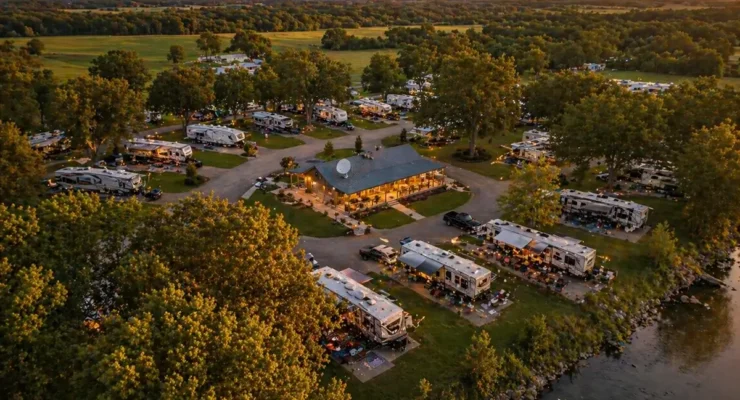
Rural landlords with multiple rental units on a single property — a farmstead with a main house and guest cottage, a rural retreat with several cabin units, or an agricultural property with worker housing — face specific network infrastructure questions about how to provide broadband to multiple units from a single Starlink connection or from multiple connections.
A single Starlink connection can effectively serve multiple units if properly configured. The key is ensuring adequate bandwidth for all units simultaneously and proper network segmentation so different tenants’ networks are isolated from each other. A dual-WAN capable router (Peplink, Ubiquiti) can manage a single Starlink connection while providing isolated VLANs for each tenant unit — each tenant has their own separate network that they cannot see into from other tenants. A separate access point (mounted outdoors between units or wired to each unit’s interior) provides Wi-Fi coverage to each unit from the shared connection.
The shared Starlink approach works well for properties where units are within 300 feet of the central router location and where aggregate simultaneous usage stays within Starlink’s bandwidth capacity. For rural cabin rental operations with 4–6 cabins where guests may all be streaming simultaneously, the aggregate demand can exceed a single Starlink connection’s capacity during peak periods. In this case, deploying two Starlink connections (primary and backup/overflow) with load balancing via a Peplink router provides the capacity needed for high-occupancy multi-unit operations without the service quality degradation that a single overloaded connection would create.
How should I handle internet in a rural lease-to-own property?
For rural lease-to-own arrangements, the most straightforward approach is to treat internet like any other utility — the landlord’s responsibility during the lease-to-own period is to ensure the property’s infrastructure is functional, and internet infrastructure (Starlink dish, mounting hardware, cable runs to the interior) should be included in the property description. The monthly service subscription is most cleanly handled as tenant-managed, with the tenant creating their own Starlink account using the installed hardware and paying their own monthly service. This arrangement means the tenant “owns” their service account from day one and doesn’t need to transfer it when the purchase closes — and the Starlink hardware installed at the property transfers with the property as installed infrastructure, just like the well pump or HVAC system.


Leave a Reply