At just $50 per month with no hardware costs, no annual contract, and no data caps, T-Mobile Home Internet sounds almost too good to be true — especially for rural residents accustomed to paying $120+ for satellite internet or enduring throttled hotspot data. In this comprehensive and honest review of T-Mobile Home Internet for rural areas in 2026, we cover what it actually delivers in real rural conditions, where it falls short, how it compares to Starlink, and exactly who should and should not consider it as their primary rural broadband option.
In This Guide
- What Is T-Mobile Home Internet?
- Pricing and Plans
- Hardware: The Gateway Device
- Real-World Speeds in Rural Areas
- Rural Availability: The Crucial Question
- T-Mobile Home Internet vs Starlink
- Pros and Cons
- Who Should Use T-Mobile Home Internet?
- FAQs
What Is T-Mobile Home Internet?
T-Mobile Home Internet (branded as “T-Mobile 5G Home Internet”) is a residential broadband service that uses T-Mobile’s existing cellular network — the same towers that power T-Mobile mobile phones — to deliver internet service to a plug-in gateway device in your home. There is no cable installation, no professional technician visit, no dishes, and no outdoor equipment. T-Mobile ships you a gateway router, you plug it into a power outlet, and the device connects to T-Mobile’s towers over the air.
From a technical standpoint, T-Mobile Home Internet is LTE or 5G fixed wireless access (FWA) — a technology that has been rapidly expanding as a rural broadband solution since carriers realized their cellular infrastructure could serve homebound customers, not just mobile users. T-Mobile has been the most aggressive of the major carriers in deploying FWA, with a specific strategic focus on rural markets where its mid-band and low-band 5G spectrum provides meaningful coverage advantages.
T-Mobile’s merger with Sprint in 2020 gave it access to Sprint’s 2.5 GHz mid-band spectrum, which the company has deployed as “5G Ultra Capacity” (5G UC) — the technology that delivers T-Mobile’s fastest home internet speeds in rural areas where these towers have been built. Where only low-band 5G or LTE is available, performance is lower but often still adequate for most home uses.
Pricing and Plans
T-Mobile Home Internet pricing is remarkably simple compared to most internet providers:
| Plan | Monthly Price | Data Cap | Contract | Hardware Cost |
|---|---|---|---|---|
| T-Mobile 5G Home Internet | $50/mo (with AutoPay) | None | None | $0 (included) |
| T-Mobile Home Internet Plus | $70/mo (with AutoPay) | None | None | $0 (included) |
There are no installation fees, no equipment rental fees, no early termination fees, and no data overage charges. This is genuinely all-in pricing. T-Mobile also frequently offers discounts for existing T-Mobile wireless customers, bringing the effective cost down further.
The Home Internet Plus plan at $70/month includes priority data during congested periods, which means your speeds are maintained higher during peak usage times when the local tower is under heavy load — particularly relevant in areas where T-Mobile’s rural towers serve a large number of home internet customers simultaneously.
Hardware: The T-Mobile Gateway
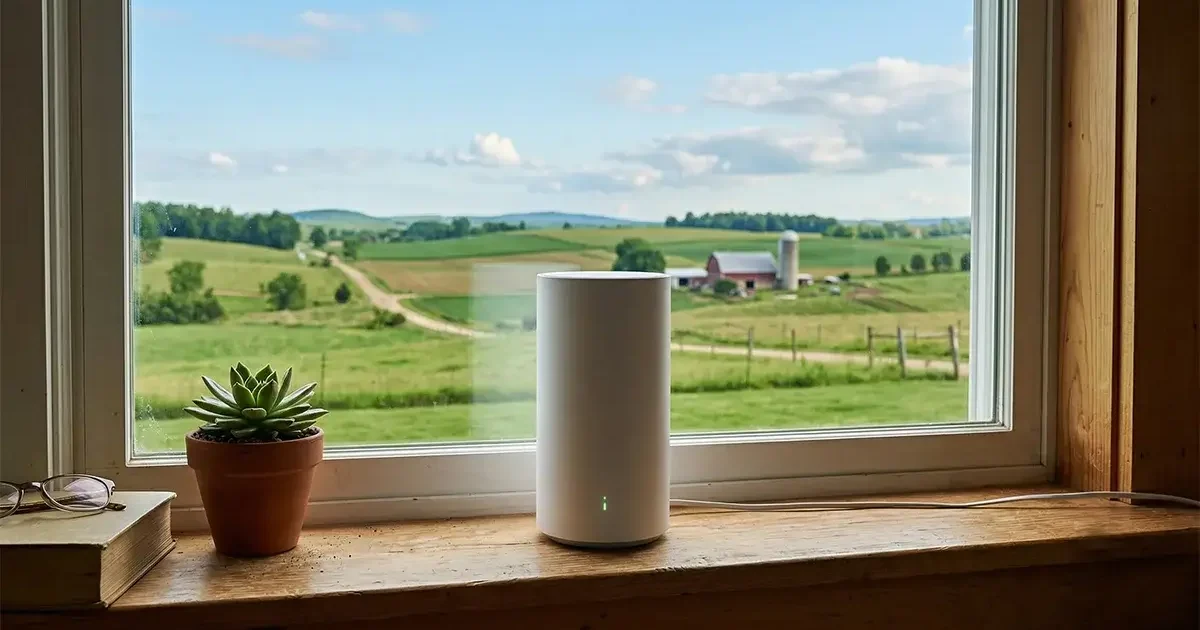
T-Mobile provides a cellular gateway router — currently the Nokia FastMile 5G or Arcadyan KVD21, depending on your area and supply chain — that functions as a combination cellular modem and Wi-Fi router in a single device. The unit is approximately the size of a tall lamp or a large coffee can, designed to sit on a windowsill, desk, or shelf indoors.
The gateway connects to T-Mobile’s network automatically. Initial setup involves scanning a QR code with the T-Mobile app, and most customers are online within 15 minutes of unboxing. There is no aiming, no professional configuration, and no technical expertise required.
The Wi-Fi performance of the included gateway is adequate for most homes but not impressive. Users with larger rural homes or stone/brick construction frequently supplement the gateway with a third-party Wi-Fi router or access point system for better whole-home coverage. The gateway has a standard Ethernet port that allows you to connect a more capable router.
Important gateway placement tip: Signal strength from the T-Mobile tower is the single biggest factor in your home internet performance. Place the gateway near a window facing the direction of the nearest T-Mobile tower. Use the T-Mobile app’s built-in signal strength indicator to test different locations in your home before settling on a permanent placement. Even moving the unit from an interior room to a window-adjacent location can significantly improve performance.

Real-World Speeds in Rural Areas
T-Mobile Home Internet performance in rural settings varies significantly based on three factors: which generation of T-Mobile technology is available at your location (5G UC, 5G Extended, or LTE), how close you are to the serving tower, and how many users are sharing that tower simultaneously.
| Signal Type | Typical Download | Typical Upload | Latency |
|---|---|---|---|
| 5G Ultra Capacity (2.5 GHz) | 100–400 Mbps | 20–80 Mbps | 20–40 ms |
| 5G Extended Range (600 MHz) | 25–100 Mbps | 5–25 Mbps | 30–60 ms |
| 4G LTE (rural) | 10–60 Mbps | 5–20 Mbps | 40–80 ms |
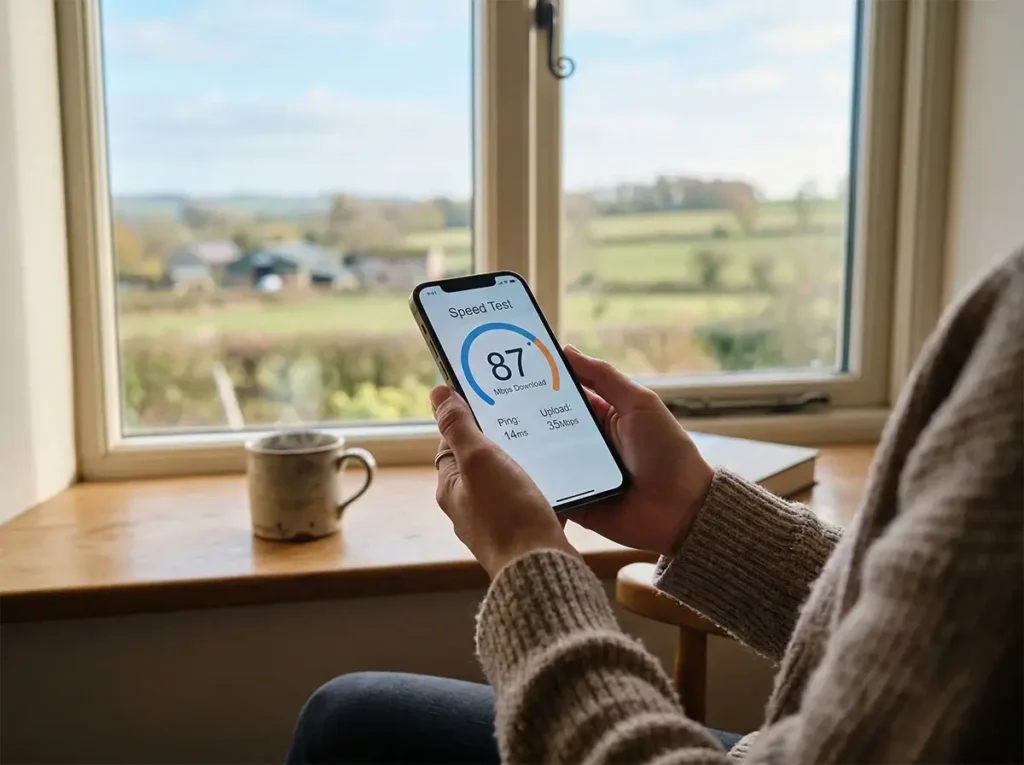
In rural areas where T-Mobile has deployed 5G Extended Range (which uses the 600 MHz low-band spectrum that travels long distances), typical home internet speeds of 25–80 Mbps are common. This is adequate for streaming, video calls, and most remote work. In areas with only LTE coverage, speeds can drop to 10–30 Mbps, which is still functional but approaches the minimum for comfortable multi-device household use.
Peak-hour congestion is a real factor to evaluate. Rural T-Mobile towers that serve many home internet customers can experience meaningful speed drops during the 7–10 PM evening peak. This is more pronounced in rural areas where there are fewer towers serving a large geographic area. The Home Internet Plus plan’s priority data allocation helps mitigate this during congested periods.
According to Speedtest.net’s fixed broadband data, T-Mobile Home Internet users nationally have a median download speed of approximately 100–130 Mbps — though this aggregate includes more favorable urban and suburban coverage zones. Rural-specific medians vary considerably by state and terrain.
Rural Availability: The Crucial Question
T-Mobile Home Internet is only available at addresses that T-Mobile’s internal coverage modeling determines have sufficient signal to deliver a minimum acceptable service level. This is a stricter test than T-Mobile’s standard mobile coverage maps, which show large swaths of rural America as “covered.”
In practice, this means:
- Many addresses that show T-Mobile cellular coverage on public maps are not eligible for Home Internet
- Availability changes as T-Mobile deploys new towers and upgrades existing ones — check quarterly
- Addresses within a few miles of an existing tower are more likely to qualify than those at the coverage edges
- Terrain matters enormously — a valley location may not qualify even if a neighboring ridge location does
The only way to definitively check is to go to the T-Mobile Home Internet page, enter your address, and see if the service is offered. The check is instant and requires no personal information. If it’s not available today, bookmark it and check again in 3–6 months as T-Mobile continues rural tower deployment.
Check the FCC’s broadband coverage maps alongside T-Mobile’s own coverage tool for a second opinion on the cellular landscape in your area.
T-Mobile Home Internet vs Starlink for Rural Areas
| Factor | T-Mobile Home Internet | Starlink Standard |
|---|---|---|
| Monthly Cost | $50 | $120 |
| Hardware Cost | $0 | $349 |
| Download Speed | 10–400 Mbps (varies) | 25–100 Mbps |
| Upload Speed | 5–80 Mbps | 5–20 Mbps |
| Latency | 20–80 ms | 20–60 ms |
| Data Cap | None | 1 TB priority |
| Contract | None | None |
| Rural Availability | Patchy — depends on tower proximity | Virtually universal |
| Weather Impact | Minimal | Heavy precipitation can affect |
| Installation | Plug-in, no technician needed | DIY dish installation required |
Our recommendation: If T-Mobile Home Internet is available at your address and delivers 25+ Mbps in practice (test using the 15-day trial), it is the better value at $70/month less than Starlink with no hardware cost. The savings of $840/year plus the $349 hardware cost represent a $1,189 first-year advantage over Starlink. However, if T-Mobile speeds at your location are below 25 Mbps or peak-hour congestion makes your connection unreliable, Starlink’s superior rural performance at the higher price may be the right long-term choice.
For properties without T-Mobile availability — which is the majority of truly rural America beyond 30–40 miles from major population centers — Starlink is the default recommendation.
Pros and Cons of T-Mobile Home Internet for Rural Use
Pros
- Exceptional value at $50/month — the best price/performance ratio in rural broadband when available
- No hardware cost, no installation complexity, no technician required
- No data caps and no contracts
- Performance unaffected by weather in most conditions
- T-Mobile network expanding rapidly — rural availability is improving quarterly
- Can be combined with a cellular signal booster to improve gateway performance
Cons
- Not available at many rural addresses — availability is the primary limitation
- Performance varies significantly by tower proximity and congestion
- Speeds on LTE-only coverage can be too low for heavy users
- Peak-hour congestion on rural towers can significantly impact speeds
- No control over network prioritization at the infrastructure level
- Limited ability to optimize beyond gateway placement
Who Should Use T-Mobile Home Internet?
T-Mobile Home Internet is worth trying for any rural household that shows as eligible at their address. The no-contract, no-hardware-cost structure means the risk of trying it is minimal — if it doesn’t perform adequately, cancel and switch to Starlink. Many rural residents now run T-Mobile as primary internet with Starlink as a backup, or vice versa, for maximum reliability.
It is particularly well-suited to: cost-conscious rural households, seasonal rural properties (where paying $120/month for Starlink during occupied months is harder to justify), and rural residents who are currently paying $120+ for satellite internet and have not checked their T-Mobile Home Internet eligibility recently.
Frequently Asked Questions
Can I use a signal booster with T-Mobile Home Internet?
Yes, with caveats. A signal booster can improve the cellular signal reaching the gateway device, which can improve performance. However, signal boosters are designed for handset use and the gain benefit applied to a home internet gateway is indirect. The more effective approach is to place the gateway near a window facing the tower, and use an external directional cellular antenna connected directly to the gateway (if the gateway supports an external antenna port — some models do).
Does T-Mobile Home Internet work for working from home?
Yes, when performance is adequate (25+ Mbps consistently). Video calls, VPN, cloud applications, and remote desktop all work well with T-Mobile Home Internet in areas with solid tower coverage. The limiting factor is consistency — if your tower is heavily loaded during business hours, performance may dip during important calls.
What happens if T-Mobile builds a new tower near my rural property?
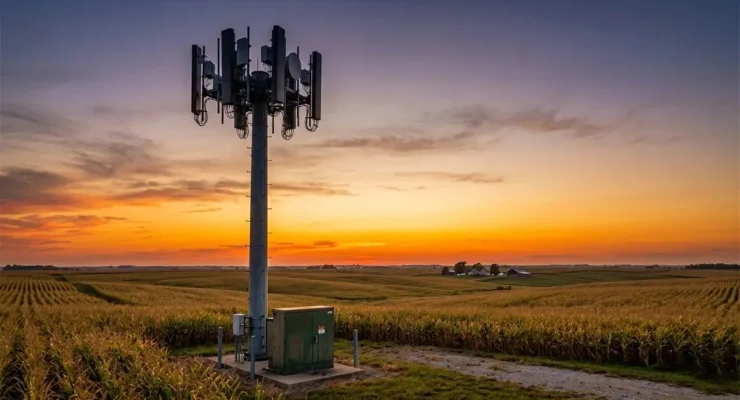
Your eligibility for T-Mobile Home Internet may change as new towers come online. T-Mobile continues rural tower deployment using USDA ReConnect grants and private investment. If you were ineligible previously, check again periodically — rural availability has been expanding meaningfully year over year.



Leave a Reply