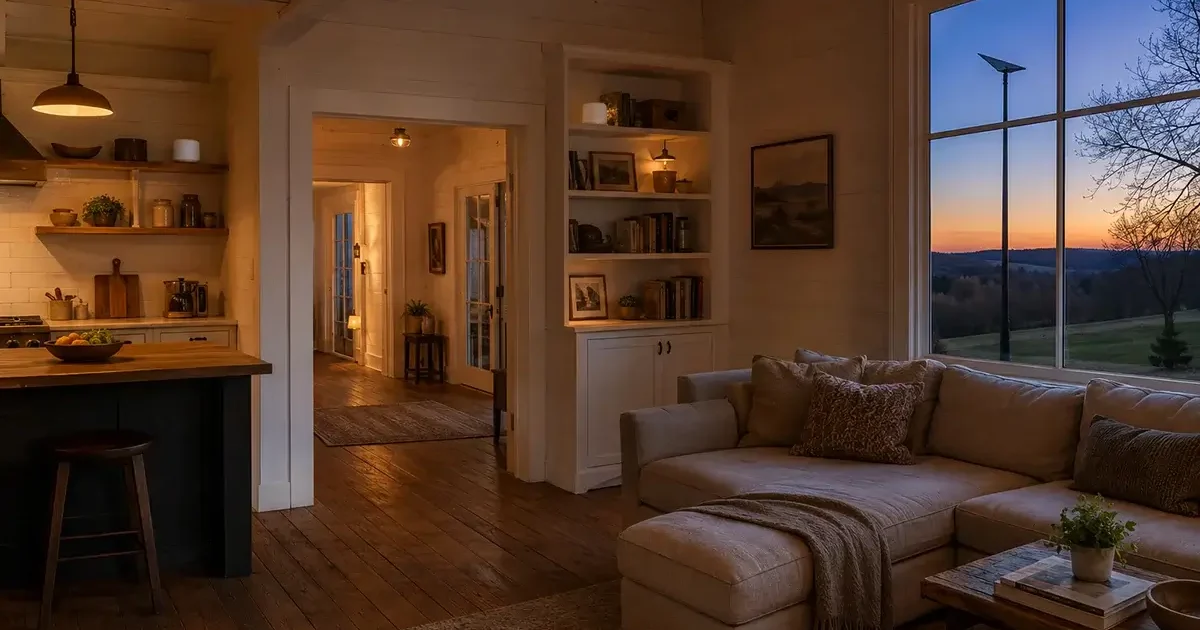
Rural homes typically have one significant advantage over urban apartments when it comes to Wi-Fi coverage: space. And that space is exactly why a single router — even a good one — often fails to provide adequate Wi-Fi coverage throughout a large rural home, attached workshop, basement, or detached garage. The Starlink router’s advertised 2,500 square foot coverage sounds generous until you’re trying to stream Netflix in the master bedroom 120 feet from where the router sits, or making a video call from a home office in the converted addition that’s behind two walls and a metal-framed door. This comprehensive guide covers the best mesh Wi-Fi systems for rural homes in 2026 — specifically evaluated for Starlink compatibility, large home coverage, outbuilding connectivity, and the wired backhaul configurations that deliver the most reliable performance on rural satellite connections.
In This Guide
- Why Rural Homes Need Mesh Wi-Fi
- How Mesh Wi-Fi Works with Starlink
- Wired vs Wireless Mesh Backhaul
- Best Mesh Wi-Fi Systems for Rural Homes 2026
- Eero Pro 6E / Eero Max 7
- Ubiquiti UniFi: The Professional Rural Option
- TP-Link Deco XE75 Pro
- ASUS ZenWiFi Pro ET12
- Extending Wi-Fi to Outbuildings
- Setup Guide: Starlink Bypass Mode with Mesh
- Frequently Asked Questions
Why Rural Homes Need Mesh Wi-Fi
The standard Starlink Gen 3 router is a capable device for a typical suburban home — it covers approximately 2,000–2,500 square feet with adequate Wi-Fi signal. Rural homes frequently exceed this coverage area, have thicker walls (stone, brick, or double-insulated), have metal roofing or siding that attenuates Wi-Fi signal, or are configured with long narrow layouts that a single router cannot effectively cover from a central location.
Common rural home Wi-Fi problems that a mesh system solves:
- Dead zones in the far bedroom, master suite, or back wing of a large farmhouse
- Weak signal in the basement or garage due to concrete and metal construction
- No usable Wi-Fi in an attached workshop, converted barn office, or outbuilding
- Video calls that drop or degrade when the user moves away from the router’s central location
- Slow Wi-Fi speeds on devices that are technically “connected” but at the edge of the router’s range
- Multiple family members working and streaming simultaneously creating Wi-Fi congestion
How Mesh Wi-Fi Works with Starlink
Connecting a mesh Wi-Fi system to Starlink requires enabling Bypass Mode on the Starlink system — a configuration that turns the Starlink router into a pure modem (handling only the satellite connection) while the mesh system takes over all Wi-Fi and network management functions.
The three components you need:
- Starlink Ethernet Adapter (~$25): Adds an Ethernet port to the Gen 3 Starlink system. Required for Bypass Mode — the Gen 3 router has no Ethernet port without this adapter.
- Bypass Mode enabled in Starlink app: Settings → Advanced → Bypass Mode. This makes the Starlink router pass the internet connection directly to the mesh system rather than managing it internally.
- Mesh system’s primary node connected to Starlink Ethernet Adapter: Run an Ethernet cable from the Starlink Ethernet Adapter’s output to the primary mesh router’s WAN port.
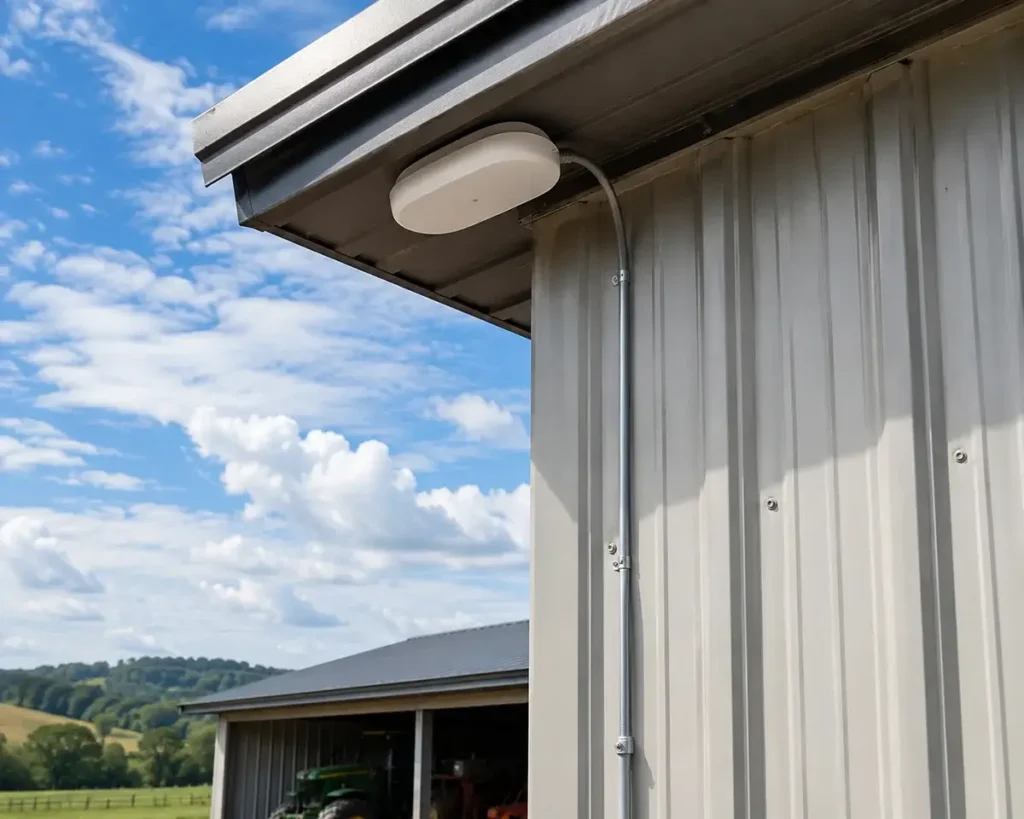
After this configuration, your mesh system manages all Wi-Fi networks, device connections, and network features. The Starlink app can still show dish performance statistics in Bypass Mode, but the Starlink router no longer controls the network.
Wired vs Wireless Mesh Backhaul: Why It Matters for Rural Homes
Mesh backhaul refers to how the secondary mesh nodes communicate with the primary router to get internet data. This distinction has a major impact on performance:
Wireless backhaul: Secondary mesh nodes communicate with the primary router using a portion of Wi-Fi bandwidth. Convenient for placement flexibility (no Ethernet cables needed) but consumes substantial bandwidth for the node-to-node link, reducing the bandwidth available to your devices. In a 3-node wireless mesh system, each hop reduces available throughput by approximately 50%. A 1,000 Mbps internet connection becomes approximately 250 Mbps at a device connected through two wireless hops.
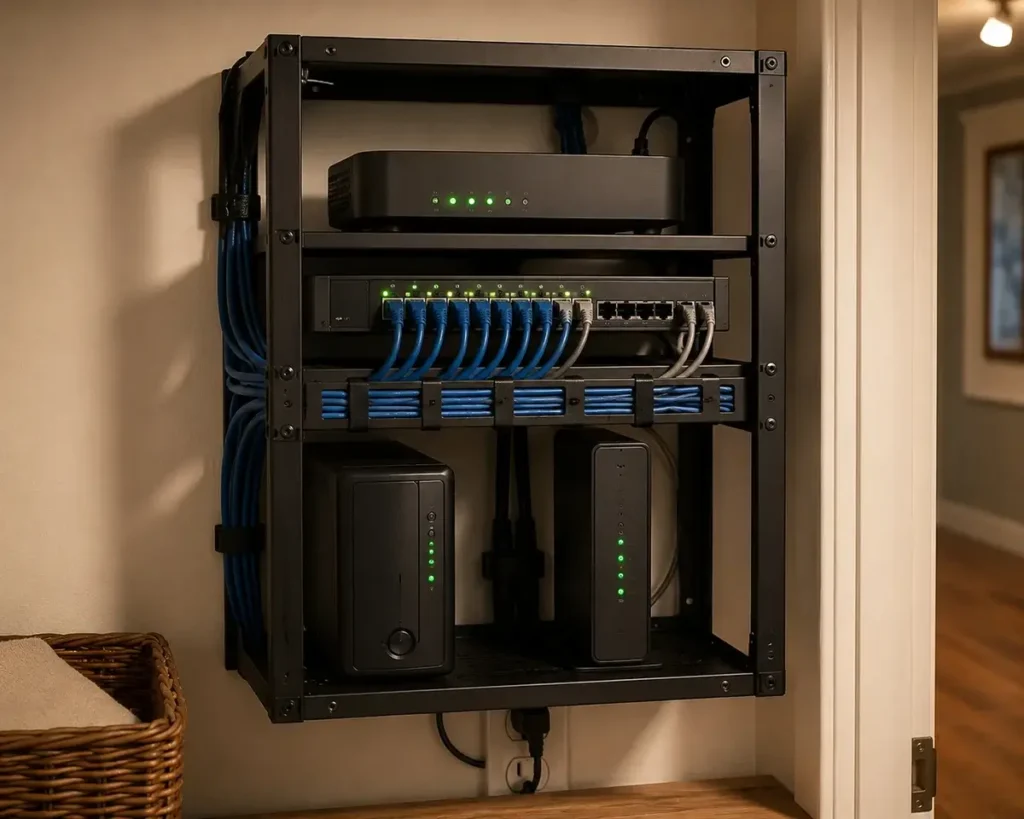
Wired backhaul (recommended for rural homes): Secondary mesh nodes connect to the primary router via Ethernet cable. The node-to-node link uses the wired Ethernet connection’s full bandwidth, leaving the entire Wi-Fi bandwidth available for your devices. A 3-node wired backhaul mesh provides near-identical performance at all nodes regardless of physical distance from the primary router. For rural homes where Cat6 cable can be run during construction or through existing wall cavities, wired backhaul mesh delivers dramatically better performance.
If Cat6 cable cannot be run to all desired mesh node locations, use wired backhaul for the farthest or most performance-critical nodes and accept wireless backhaul for secondary coverage nodes in less demanding locations.
Best Mesh Wi-Fi Systems for Rural Homes 2026
Eero Pro 6E / Eero Max 7 — Best for Starlink Compatibility
The Eero Pro 6E (3-pack, $599) and the newer Eero Max 7 (2-pack, $999) are the most Starlink-compatible consumer mesh systems available — a function of the tight integration that Amazon (which owns Eero) has developed with Starlink’s Bypass Mode. Configuration is simple enough that most rural users complete the setup without any technical assistance: install the Starlink Ethernet Adapter, enable Bypass Mode, connect the Eero primary node to the Ethernet Adapter, power on the Eero system, and configure through the Eero app in approximately 15 minutes.
Eero Pro 6E strengths for rural homes:
- Excellent app-based management — accessible to non-technical users
- Tri-band Wi-Fi 6E with a dedicated 6 GHz backhaul band (significantly better than dual-band wireless mesh)
- Simple wired backhaul configuration when Ethernet is available between nodes
- Eero Plus subscription ($10/month) adds network-wide content filtering, VPN, and malware protection — relevant for rural home businesses
- Each node covers approximately 2,000 sq ft — a 3-pack covers up to 6,000 sq ft for large rural farmhouses
Eero limitations for rural homes: No advanced QoS beyond simple priority settings; no VLAN support on consumer Eero (available only on Eero for Business at higher cost); no external antenna support for extending range to outbuildings. For basic rural home coverage, these limitations don’t matter; for rural businesses or technically advanced users wanting granular network control, Ubiquiti UniFi is the superior option.
Ubiquiti UniFi: The Professional Rural Home Option
For rural homes where the owner is technically comfortable and wants enterprise-grade network performance, Ubiquiti’s UniFi system provides capabilities far beyond any consumer mesh solution — VLANs, granular QoS, detailed network analytics, outdoor access points, and a system that scales from a single router to dozens of access points covering multiple buildings.
A practical rural home UniFi setup: UniFi Dream Machine Pro or UniFi Dream Machine SE ($400–$600) as the main router/controller, plus UniFi U6 Pro access points ($200 each) wired via Ethernet to each coverage zone. For outbuildings with power and Ethernet connectivity, UniFi U6 Outdoor access points ($230) extend coverage to workshops, barns, and equipment buildings. The entire system is managed through the UniFi Network application — a web interface or mobile app that provides real-time performance monitoring, client analytics, and configuration access.
UniFi is not for non-technical users — initial setup requires more network knowledge than plug-and-play consumer systems. But for rural remote workers, home business operators, and technically minded homeowners, the performance ceiling and flexibility of UniFi is unmatched at any price point in the consumer or prosumer market.
TP-Link Deco XE75 Pro — Best Value Wi-Fi 6E Mesh
TP-Link’s Deco XE75 Pro (3-pack, $399) delivers Wi-Fi 6E tri-band performance at significantly lower cost than Eero Max 7 — making it the recommended option for rural homes where budget is a priority and technical simplicity is desired. The XE75 Pro includes wired backhaul support on all three nodes (2.5G Ethernet ports), supports Starlink Bypass Mode, and provides adequate coverage for rural homes up to 8,500 square feet across the 3-pack.
The Deco app is somewhat less polished than Eero’s but fully functional for typical rural home management needs. TP-Link’s Deco systems have excellent Starlink compatibility and are a popular choice among budget-conscious rural Starlink users who want to upgrade beyond the included Starlink router without paying the Eero or Ubiquiti price premium.
Extending Wi-Fi to Rural Outbuildings
The most common rural home network extension challenge is getting Wi-Fi to a detached garage, workshop, or outbuilding. The approach depends on the distance and whether Ethernet cable can be run:
Under 300 feet with Ethernet cable: Run direct-burial outdoor Cat6 cable underground from the main house to the outbuilding. Install a PoE switch in the outbuilding powered by this Ethernet run, then connect a UniFi U6 Outdoor or similar PoE access point for Wi-Fi coverage. This provides full-speed Wi-Fi in the outbuilding with no performance penalty compared to the main house network.
Under 2 miles with line of sight: A Ubiquiti airMax or PowerBeam wireless bridge pair ($150–$300) mounted on both the house and the outbuilding with clear line of sight delivers 100–300 Mbps wireless backhaul without burying cable. Install a PoE access point at the outbuilding end for Wi-Fi distribution throughout the building.
No line of sight or beyond wireless bridge range: A separate cellular router with a dedicated SIM in the outbuilding provides independent internet connectivity without any connection to the main house network.
Frequently Asked Questions
Will a mesh Wi-Fi system make my Starlink faster?
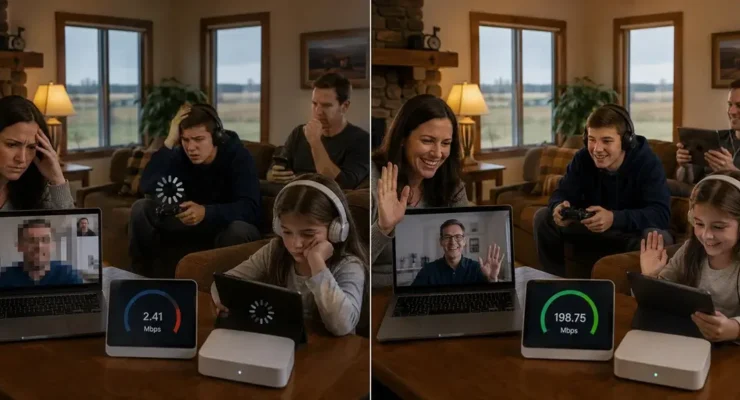
A mesh system will not increase your Starlink’s download or upload speeds — those are determined by the satellite connection, not your home network. What a mesh system does is ensure that every device in your home receives the full speed that Starlink provides, rather than the reduced speeds caused by distance from a single router. A device that received 30 Mbps from the Starlink router at the edge of its range might receive 80–90 Mbps from a properly positioned mesh node 10 feet away — not because the internet connection got faster, but because the device’s Wi-Fi link to the network is now at full speed rather than degraded by distance.
Which is better for Starlink: Eero or Google Nest Wi-Fi?
Eero Pro 6E is generally preferred over Google Nest Wi-Fi for Starlink users based on Wi-Fi 6E support, better Bypass Mode compatibility track record, and more flexible wired backhaul options. Google Nest Wi-Fi Pro supports Wi-Fi 6E and works with Starlink, but Eero’s tighter Amazon-Starlink integration and the app’s simplicity give it a slight edge for rural users. For users already invested in Google’s smart home ecosystem, Nest Wi-Fi Pro is a perfectly functional alternative.
Can I use my existing Wi-Fi router instead of buying a mesh system?
Yes. Any Wi-Fi router that supports Bypass Mode input (standard Ethernet WAN port) works with Starlink’s Bypass Mode setup. If your existing router provides adequate coverage for your rural home, connecting it to Starlink via Bypass Mode (using the Ethernet Adapter) is the most cost-effective upgrade path — no additional hardware purchase required. Upgrade to a mesh system only if your existing router’s coverage is genuinely inadequate for your home’s needs.
Mesh Wi-Fi for Farm Offices and Agricultural Settings
Rural farm operations have specific mesh Wi-Fi needs that differ from standard residential homes. The farm office network typically needs to serve a main house or office building, a shop or equipment maintenance area, a barn or livestock building, and potentially a grain office or scale house — all within distances that require infrastructure planning beyond a residential mesh setup.
For farm office buildings with multiple working employees using video calls, farm management software, and connected equipment diagnostics simultaneously, the recommended configuration is Ubiquiti UniFi with wired backhaul to each building via direct burial Cat6. This provides enterprise-grade performance, detailed network analytics for troubleshooting, and the scalability to add additional access points as the farm’s network needs grow. The upfront complexity of UniFi setup is justified for farm operations with serious broadband-dependent business needs — consider engaging a local network installer familiar with Ubiquiti for the initial configuration if you’re not technically inclined.
For simpler farm situations — a primary farmhouse where the owner works from and occasional connectivity in a nearby shop — the Eero Pro 6E with a wired node in the shop provides the best balance of performance and setup simplicity. The Eero app’s straightforward management interface is accessible to all users without technical background, and Eero’s Starlink Bypass Mode compatibility is well-tested across thousands of farm and rural home installations.
Troubleshooting Common Rural Mesh Wi-Fi Problems
Rural mesh Wi-Fi systems encounter some specific problem patterns that differ from urban installations:
Wireless backhaul interference from metal buildings: Steel-frame equipment barns, grain bins, and metal-sided outbuildings reflect and absorb 2.4 GHz and 5 GHz Wi-Fi signals. A mesh node placed inside or immediately adjacent to a large metal building may find its wireless backhaul signal to the primary router dramatically attenuated by the metal structure. Solution: run a wired Ethernet connection to any metal building rather than relying on wireless backhaul from a node inside it.
Starlink CGNAT and mesh node management: Starlink’s CGNAT network means some mesh management features that require incoming external connections may not work as expected — specifically, remote management access from outside the home network and some UPnP-dependent features. Most rural home users don’t need these features, but IT-dependent rural businesses or sophisticated home users should be aware of this limitation. Enabling a VPN on your local network provides a workaround for remote management access when away from the property.
Mesh nodes losing connection during Starlink satellite handoffs: Starlink’s brief satellite handoff moments (milliseconds, typically) can sometimes cause a mesh node to briefly lose connection if it’s at the edge of wireless coverage and the node’s connection stability algorithm interprets the brief packet loss as network failure. Solution: ensure mesh nodes have adequate wireless backhaul signal strength (above -65 dBm RSSI) or switch to wired backhaul for any node that experiences repeated brief disconnections during otherwise good weather. The Speedtest.net app’s connection monitoring can help identify whether brief disconnection events correlate with Starlink handoffs or mesh backhaul instability.

Leave a Reply